Live demo
One upload. Every enhancement.
Watch a single raw shot become a market-ready listing photo, one feature at a time.
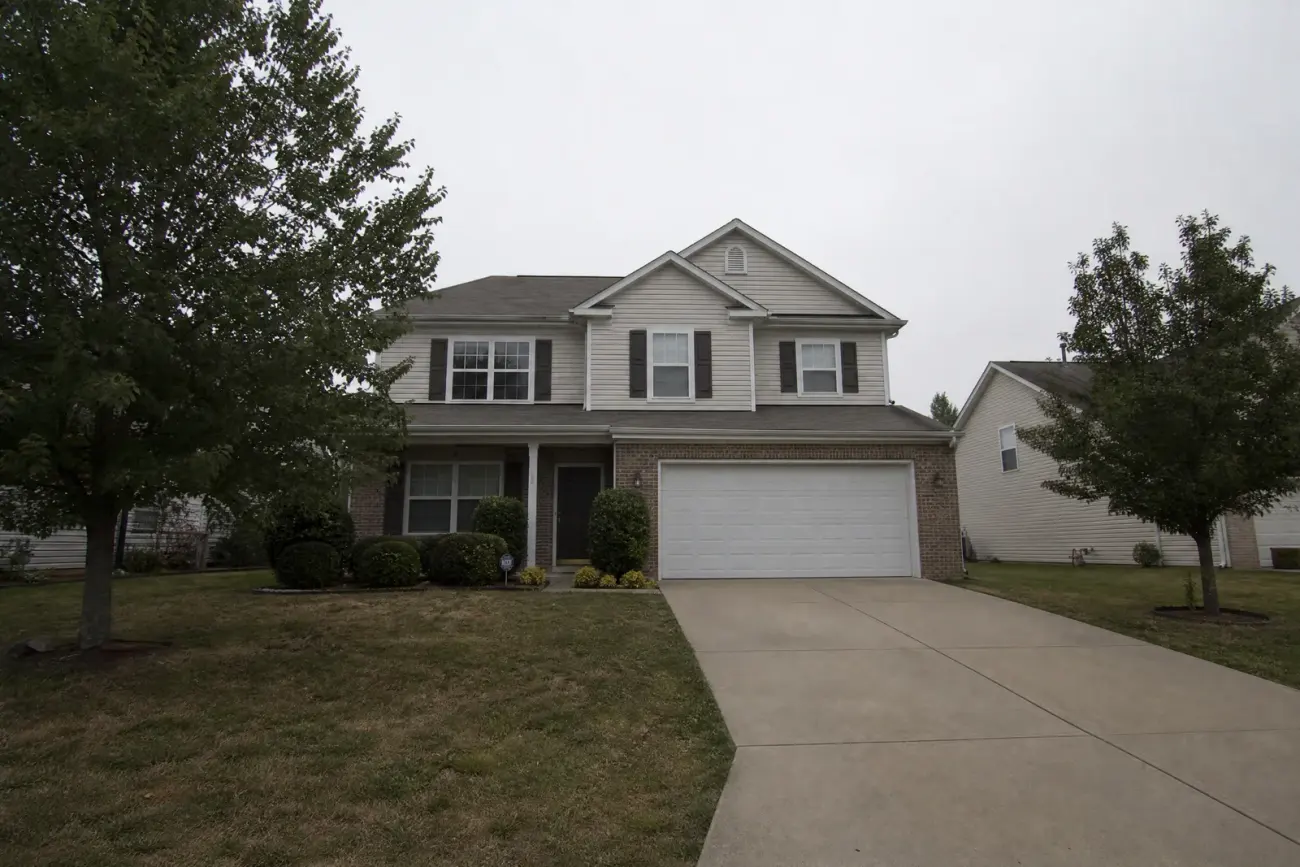
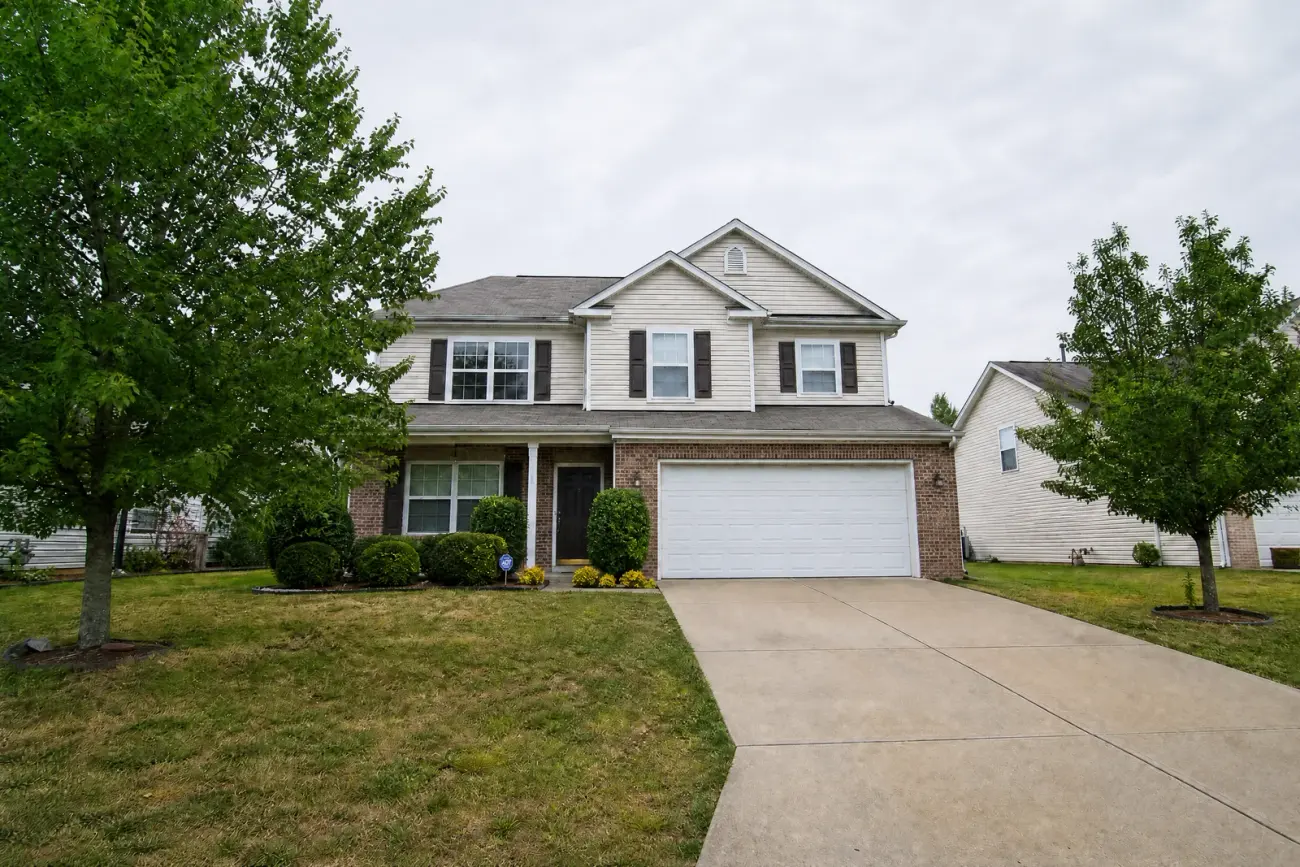
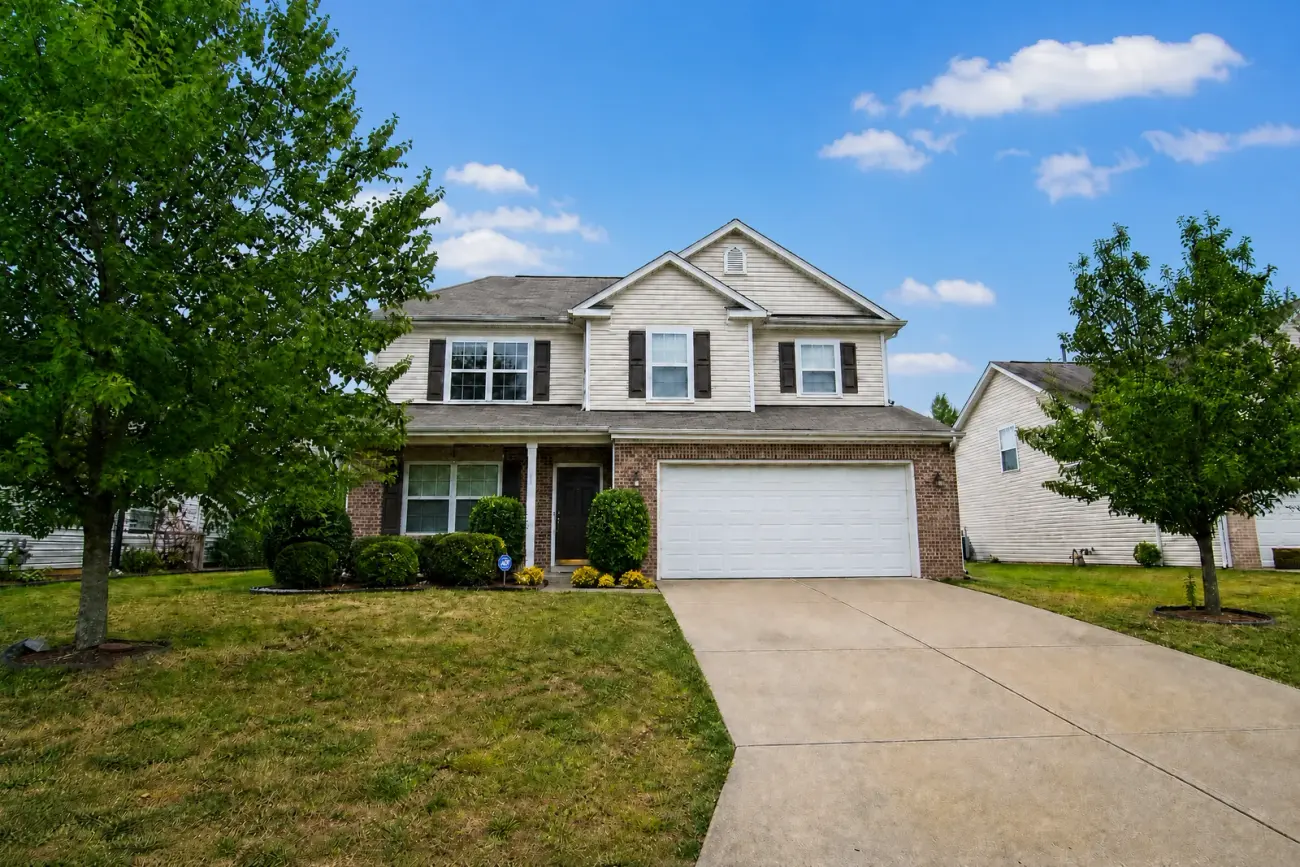
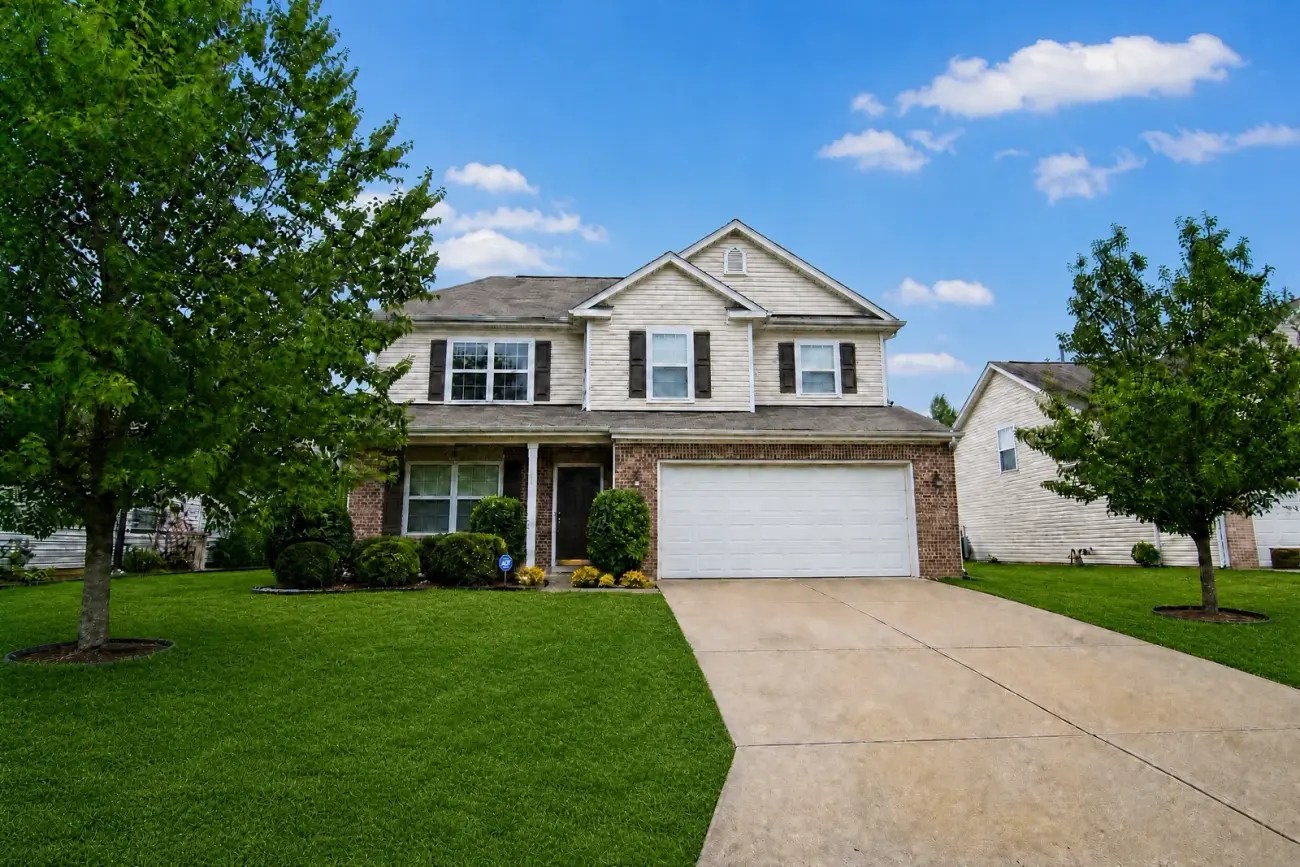
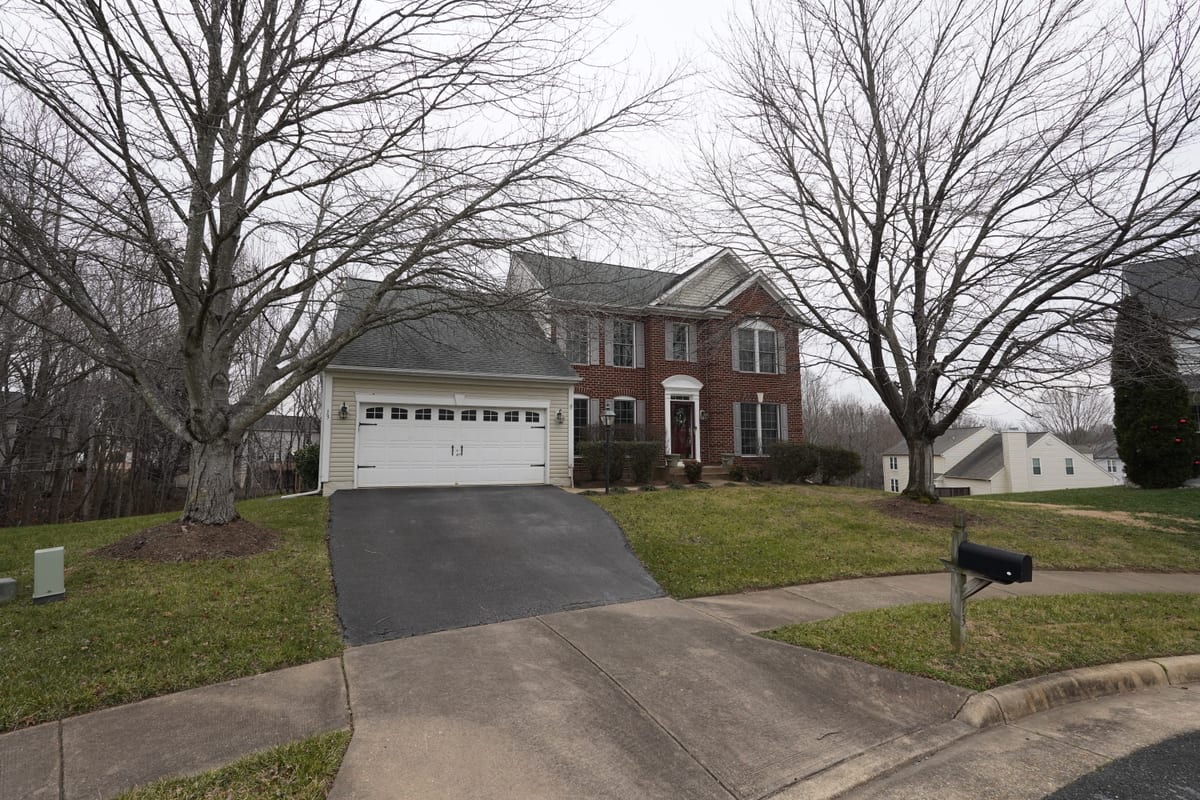
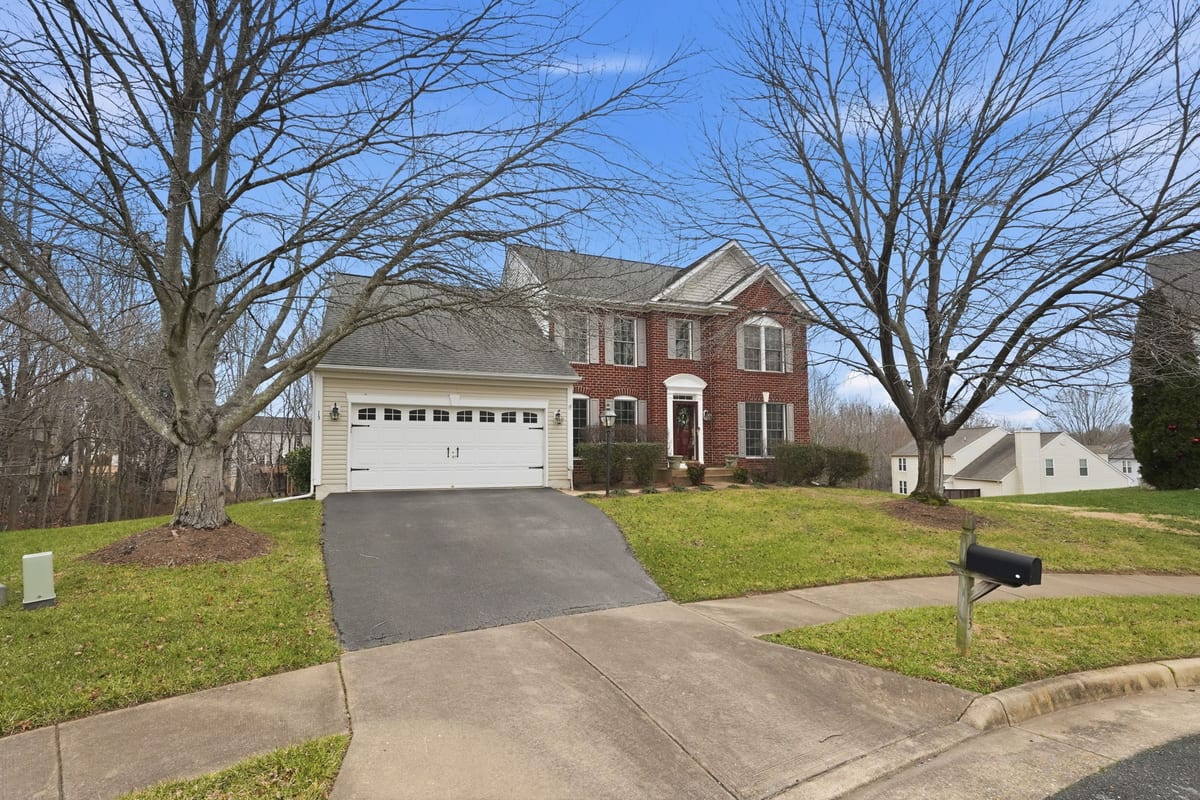
Upload your RAW exposure brackets and get perfectly merged, AI-enhanced HDR images in minutes. Batch process up to 25 groups with automatic EXIF sorting.
 After HDR
Before
After HDR
Before
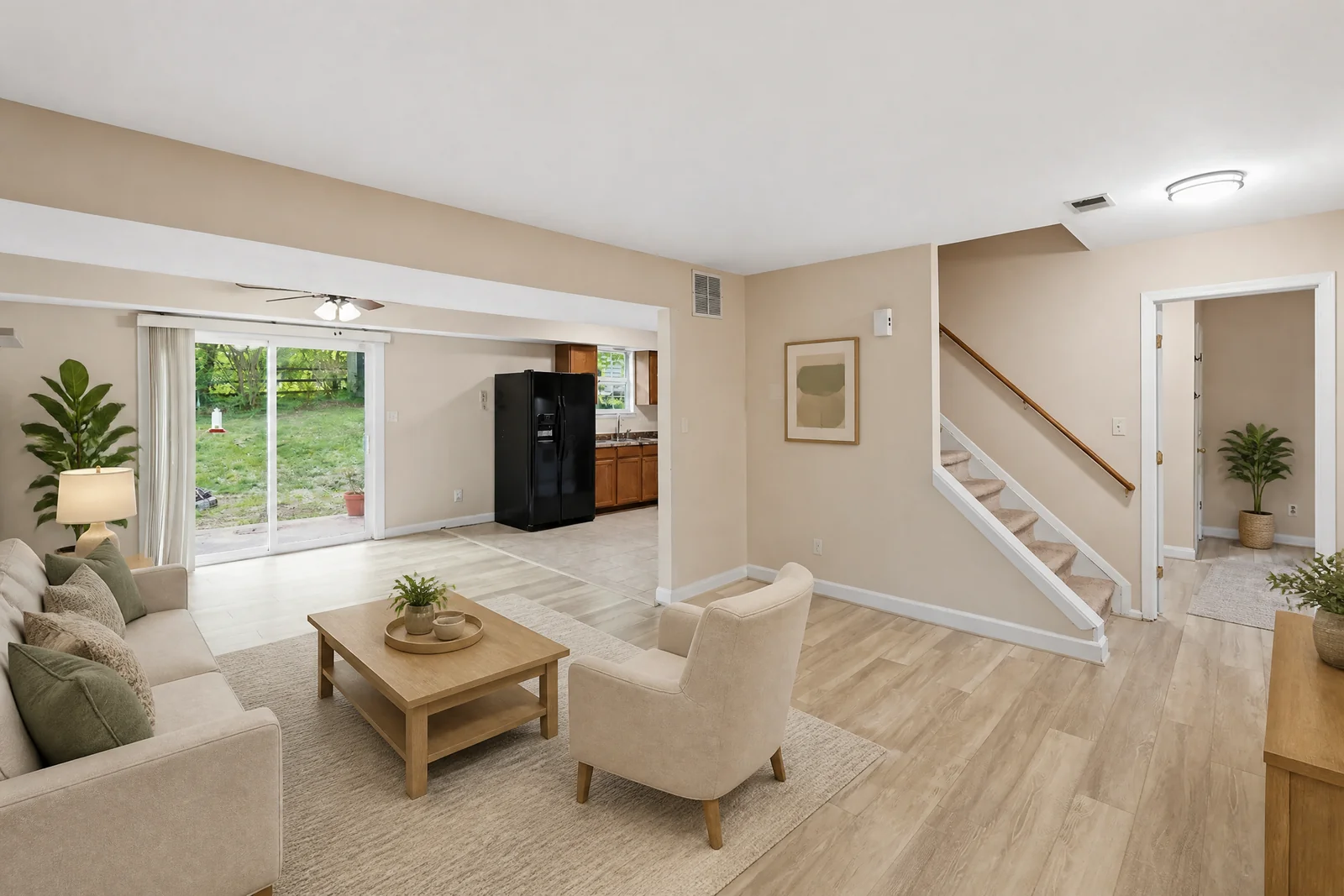
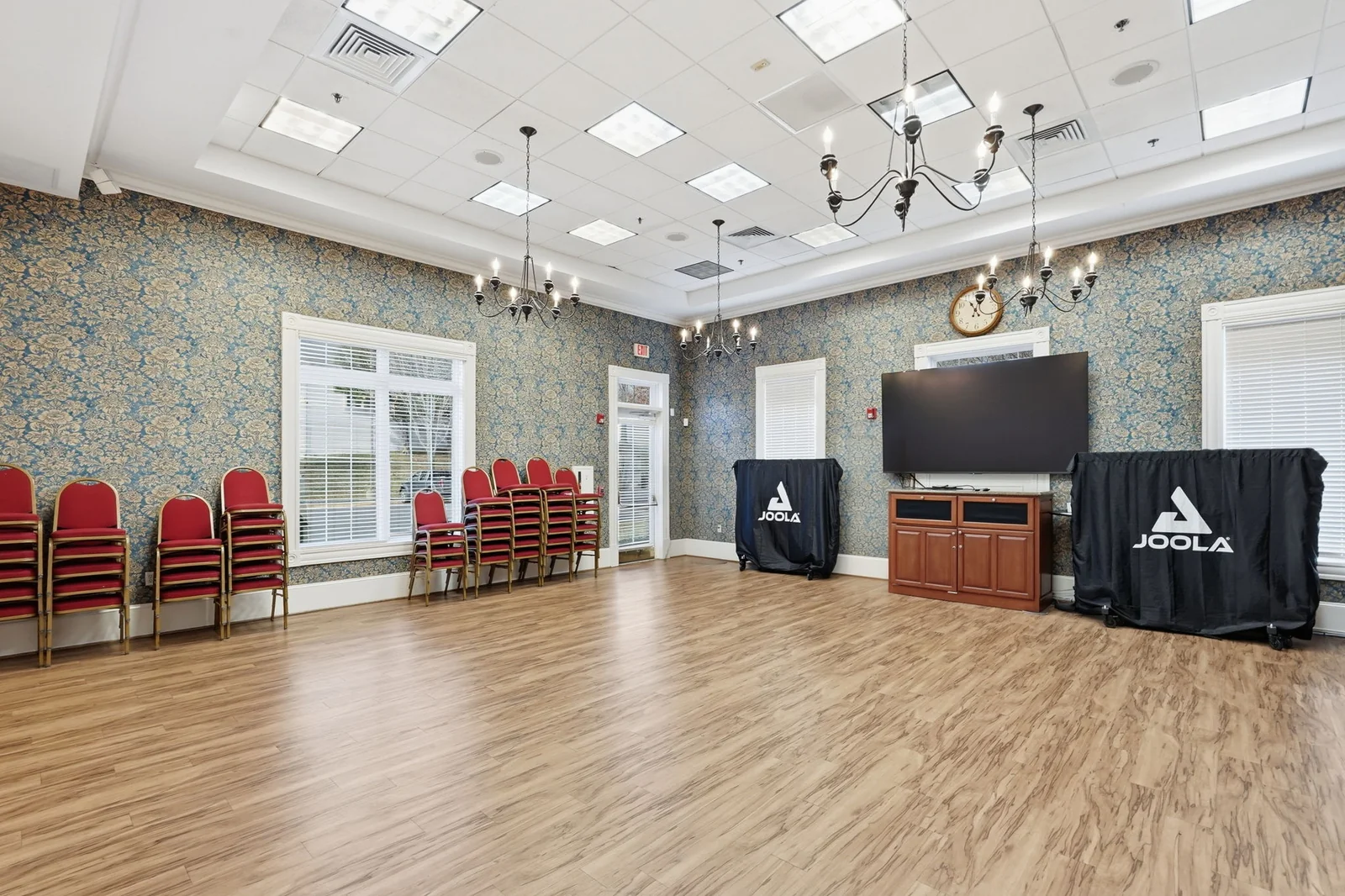
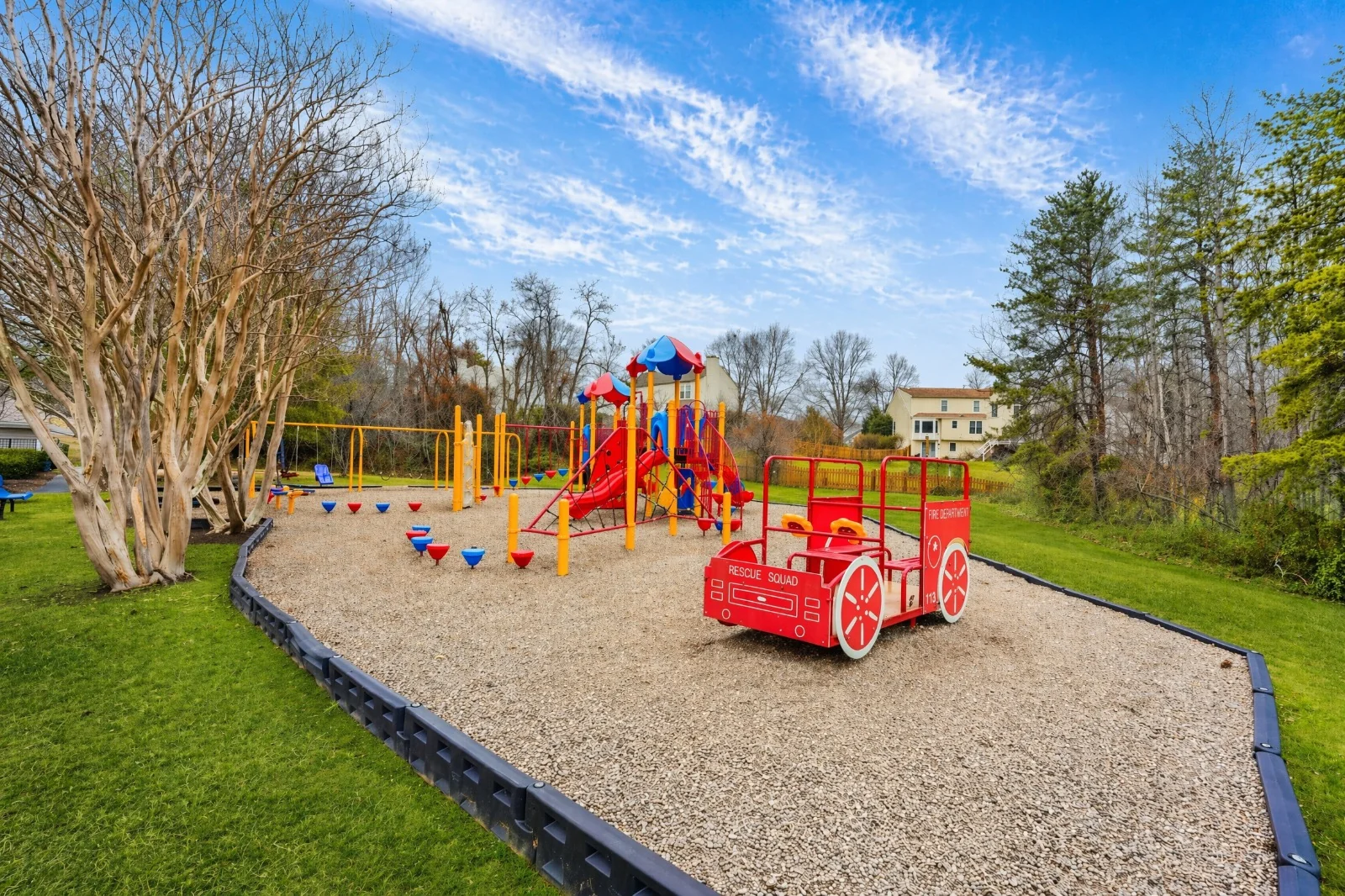
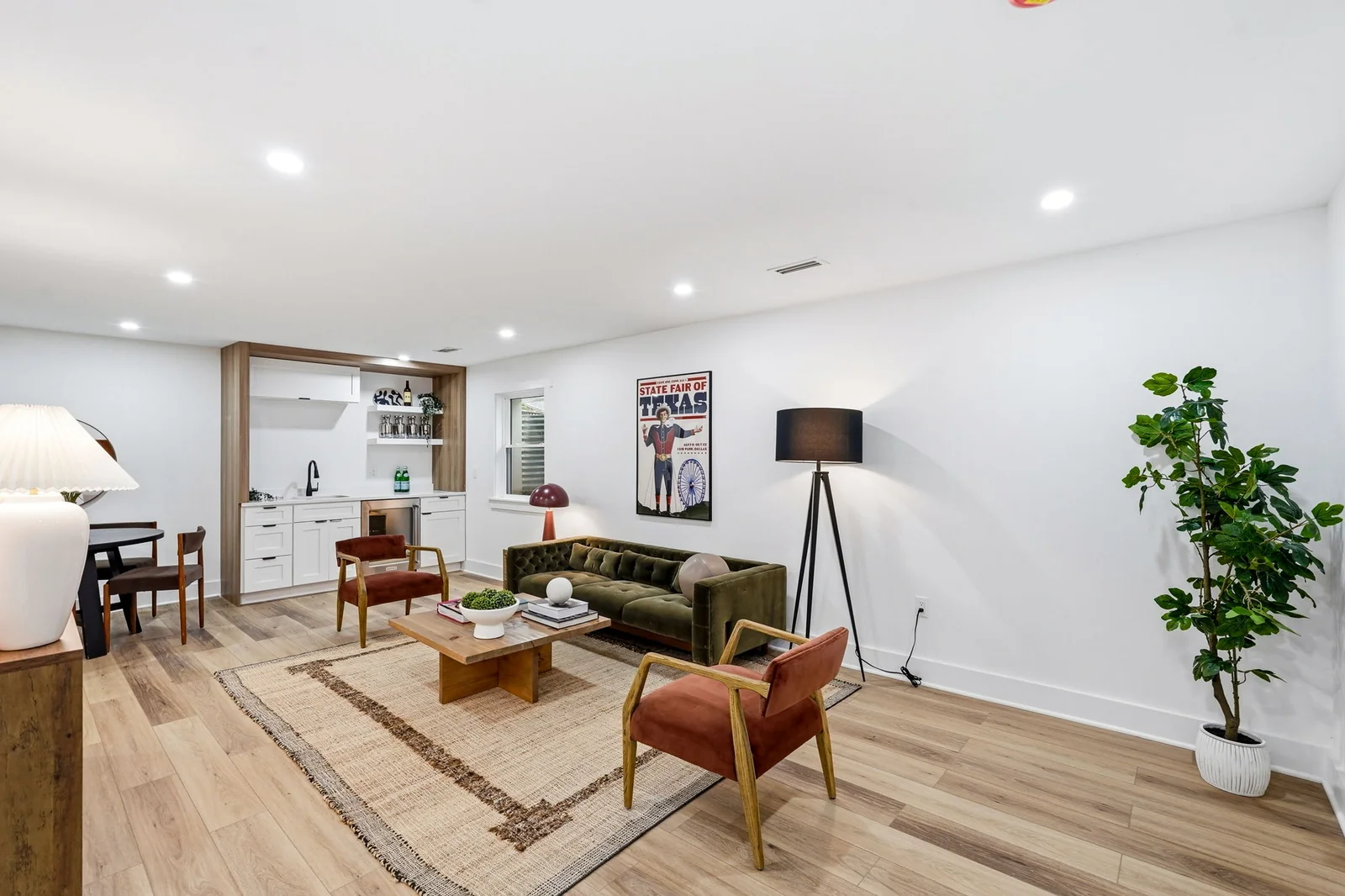
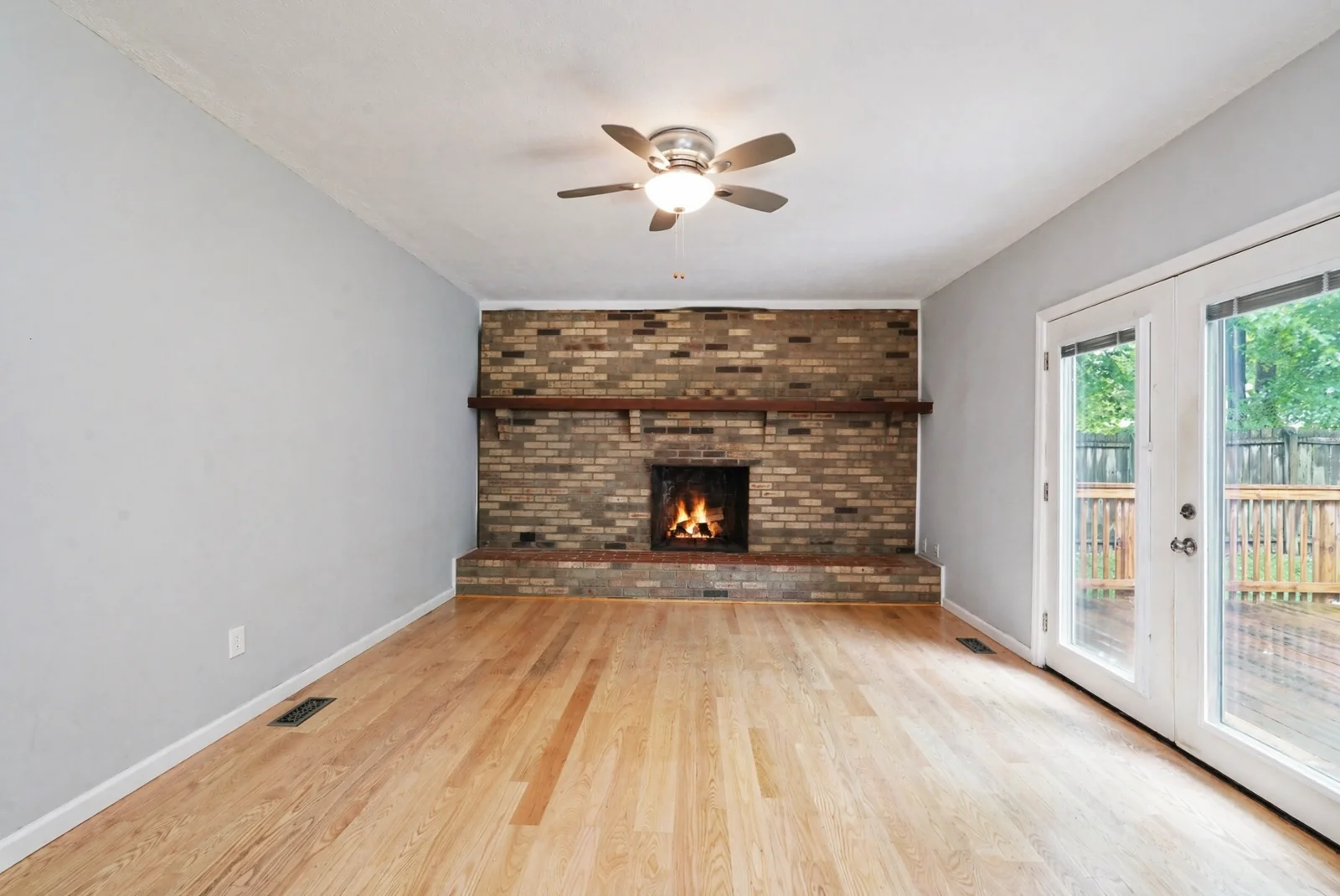
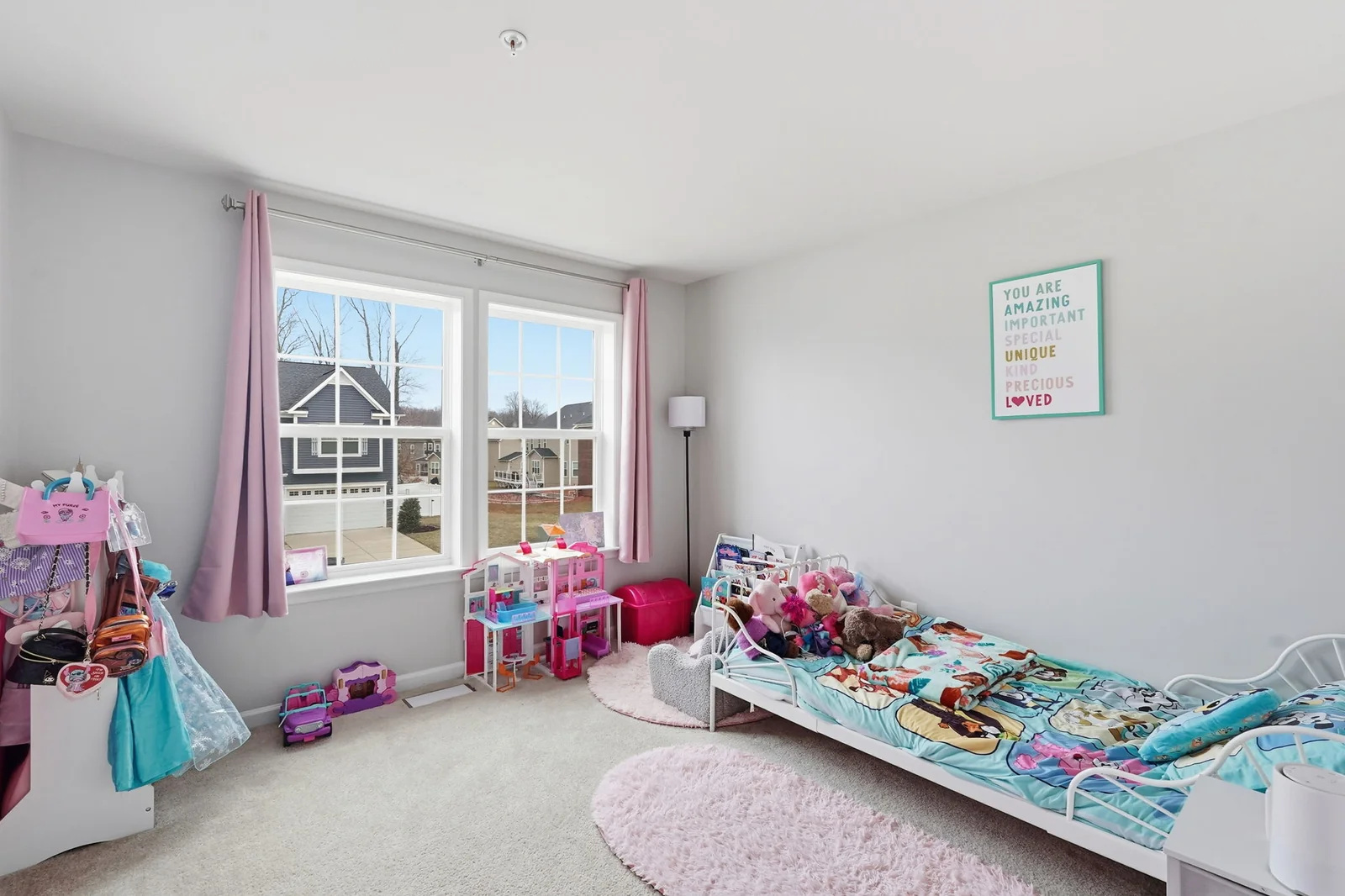
Window pull, mirror handling, fireplace enhancement, TV cleanup, perspective alignment all the moves a real-estate photographer makes manually, applied automatically.
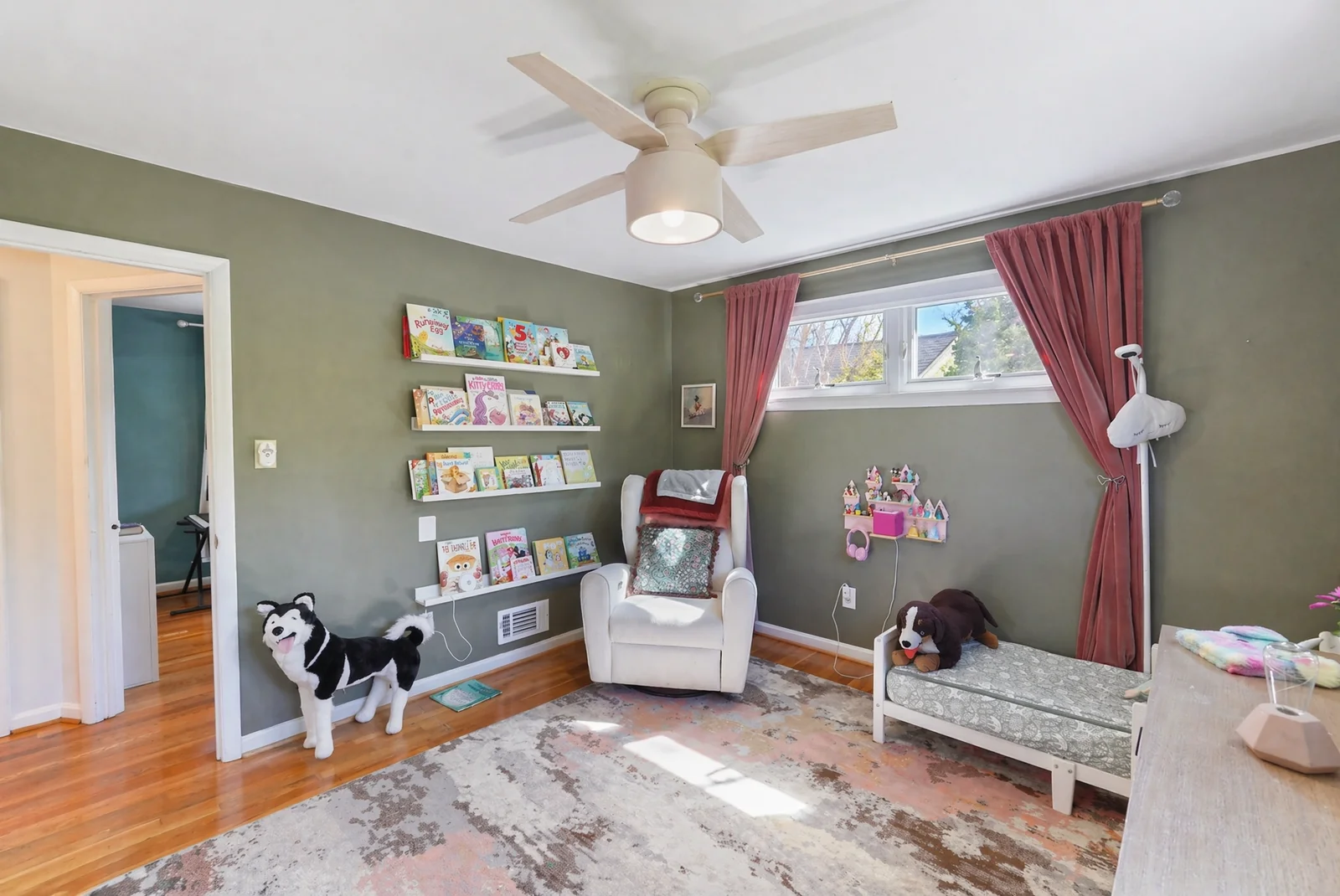
 OffOn
OffOn
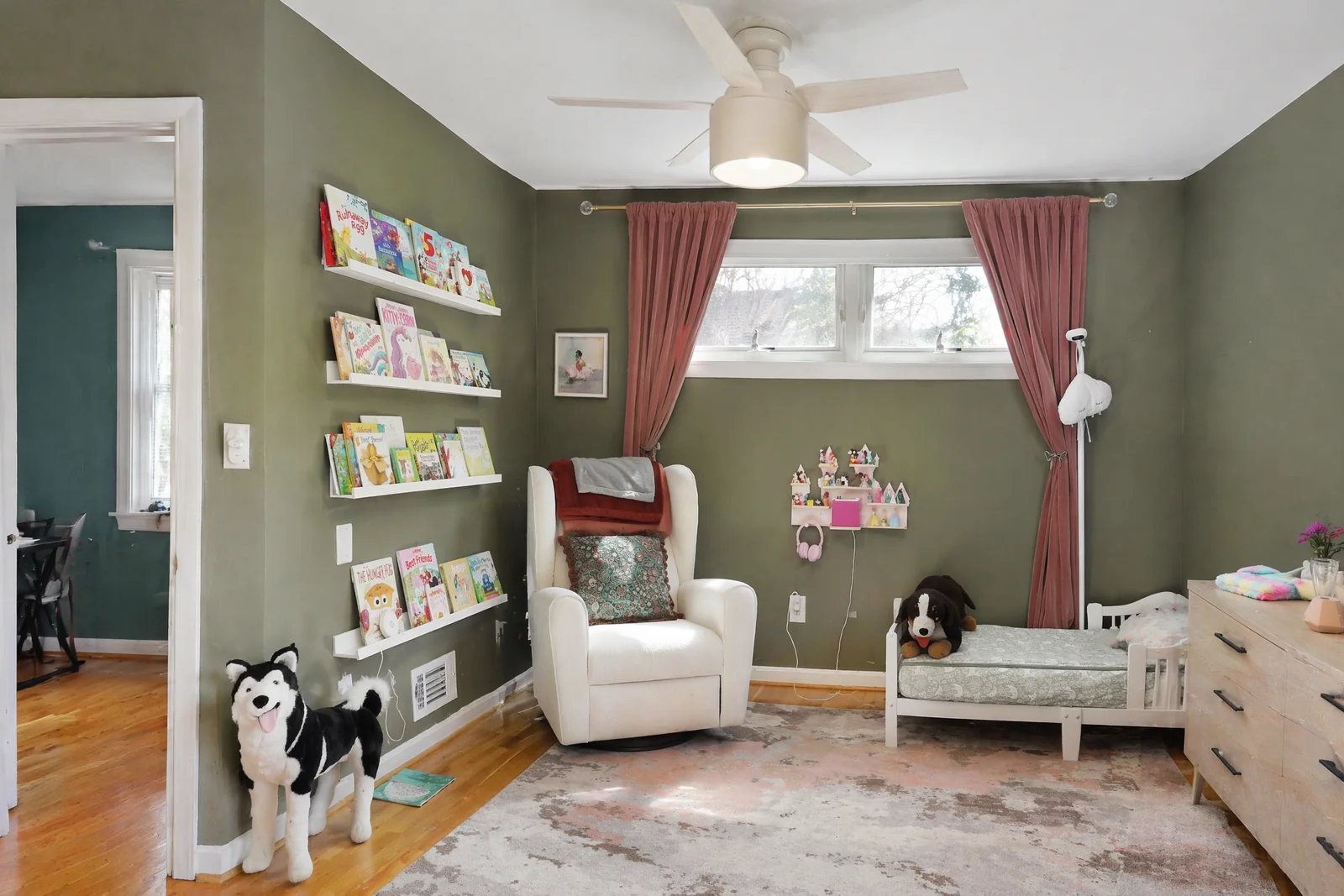
Door frames, window frames, and wall corners forced precisely vertical. Tilt-shift architectural look from a handheld shot.
 OffBlackout
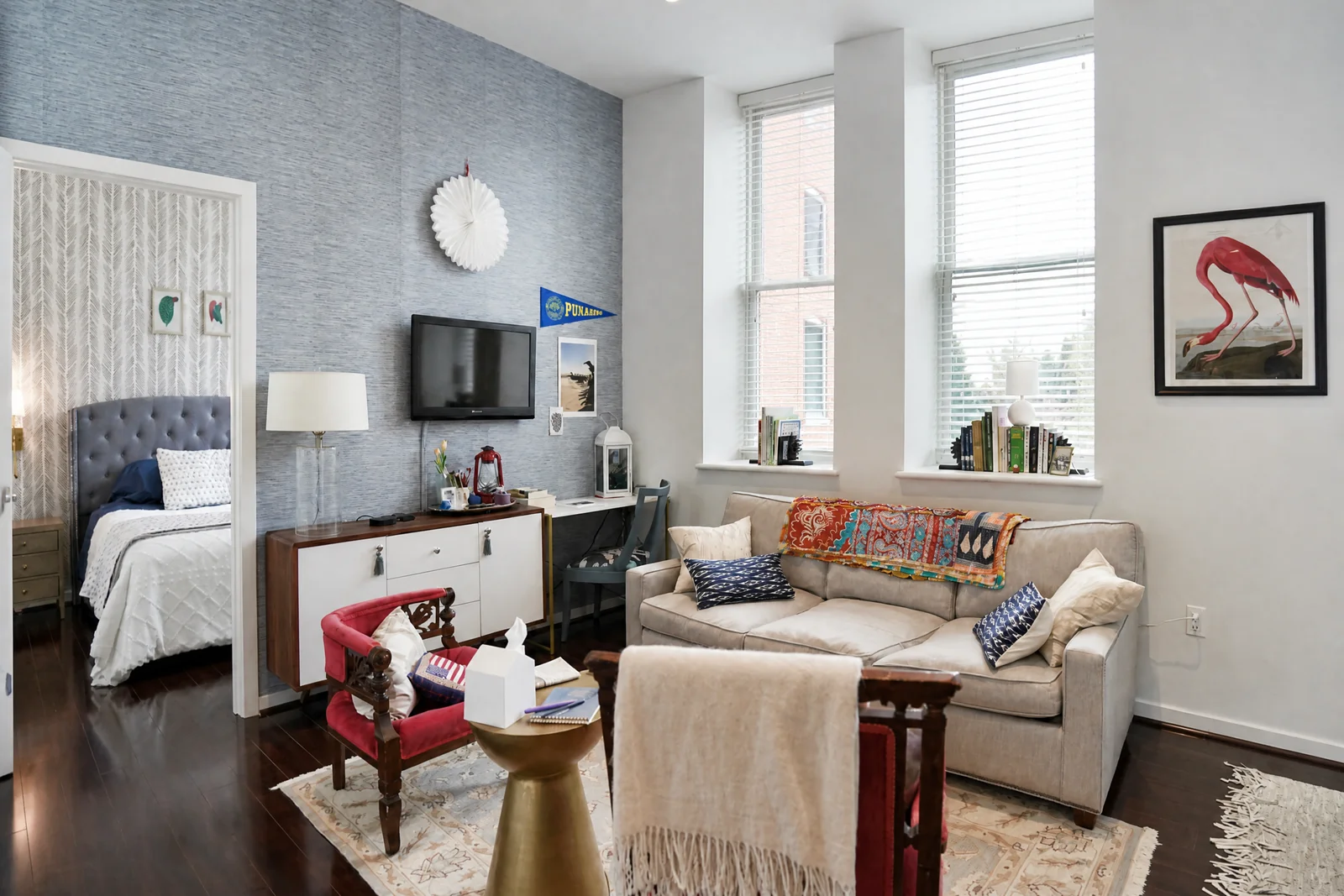
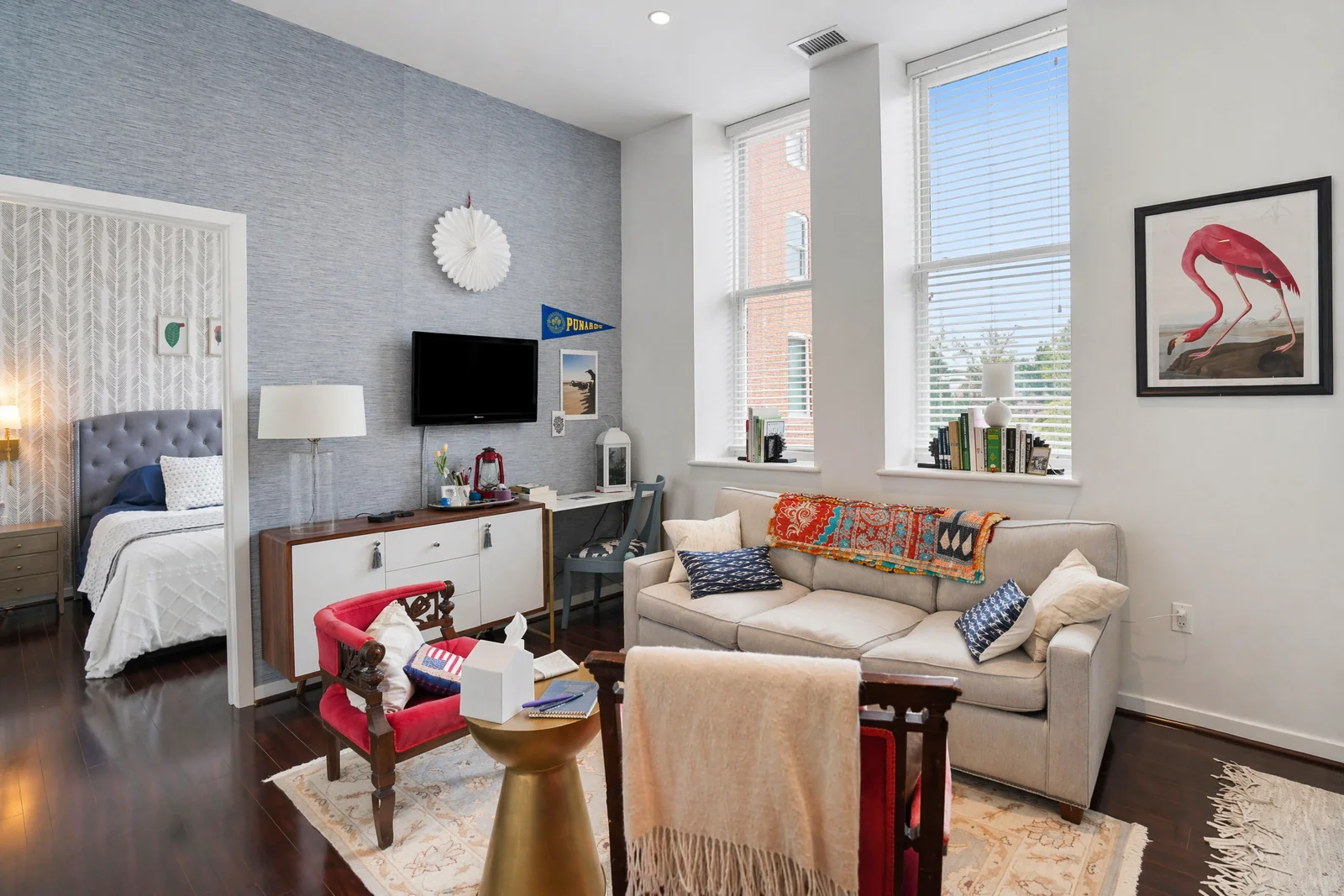
Remove glare, busy menus, or whatever's playing. Choose blackout for a clean dark screen or replace with neutral content.
 OffAlight
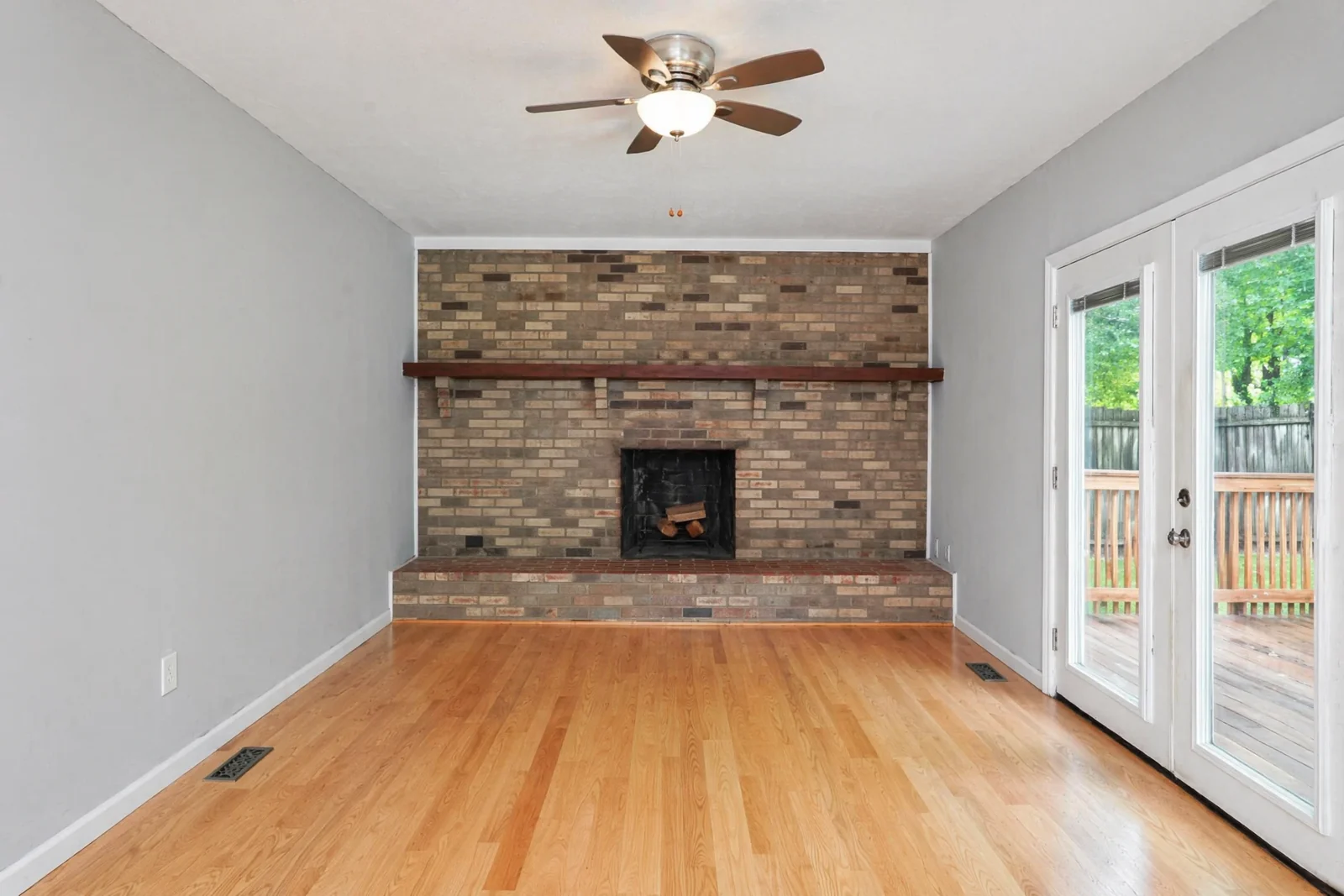
Show the fireplace with a warm, inviting fire only enhances existing fireplaces, never fakes one in.
 OffOn
OffOn
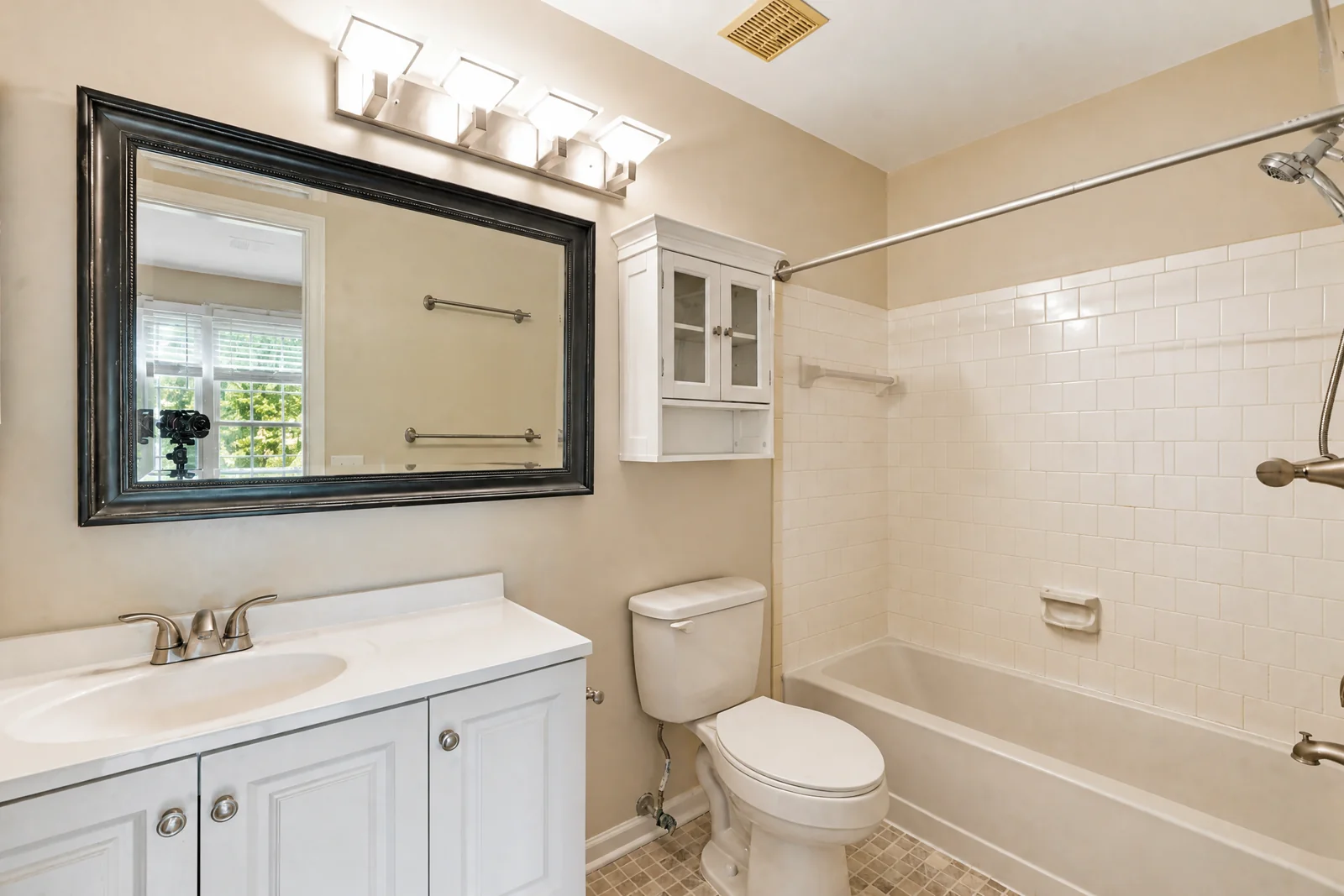
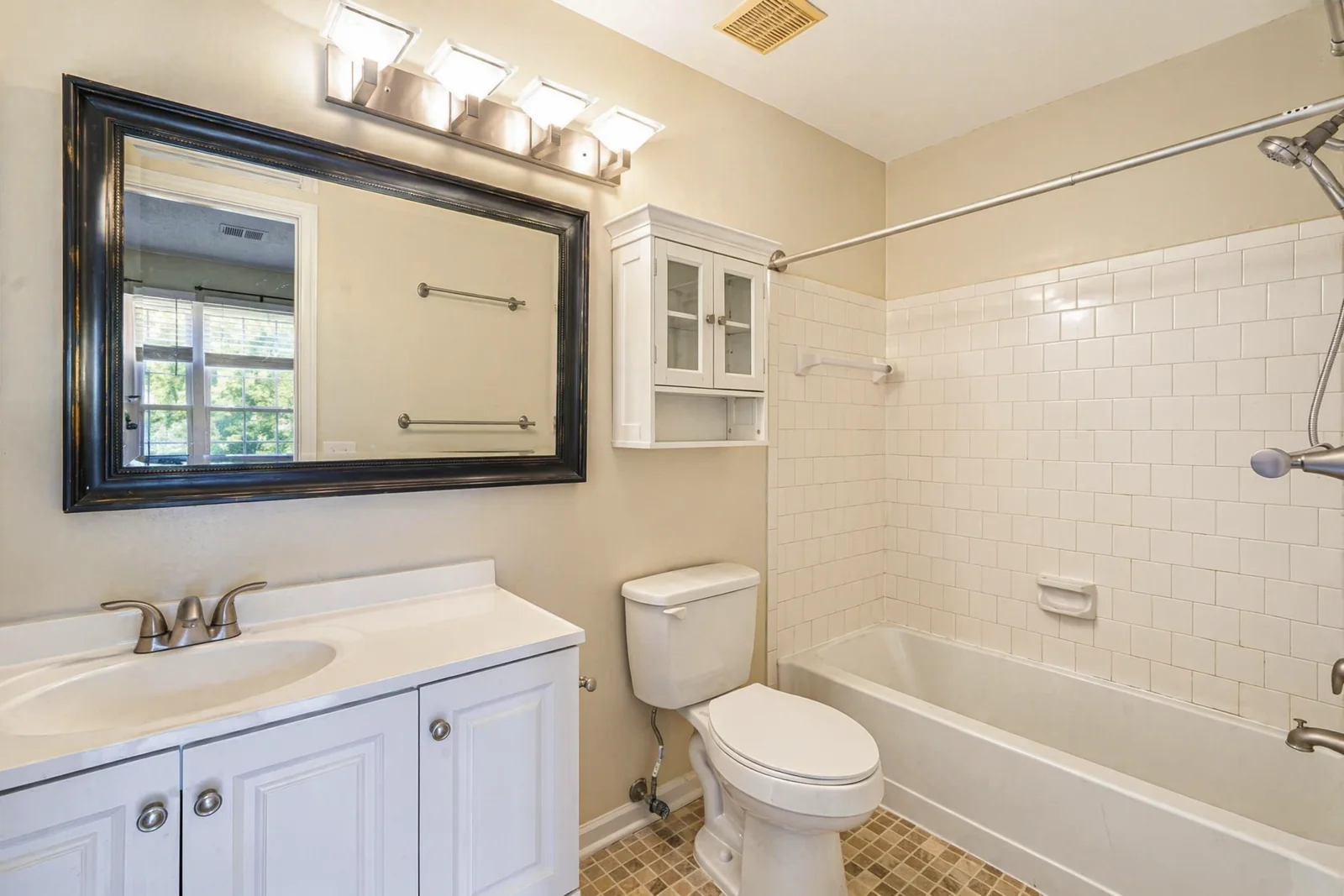
Camera reflections in mirrors, glass, and glossy surfaces gone. Mirror reflections of the rest of the room stay intact.
 EmptyStaged
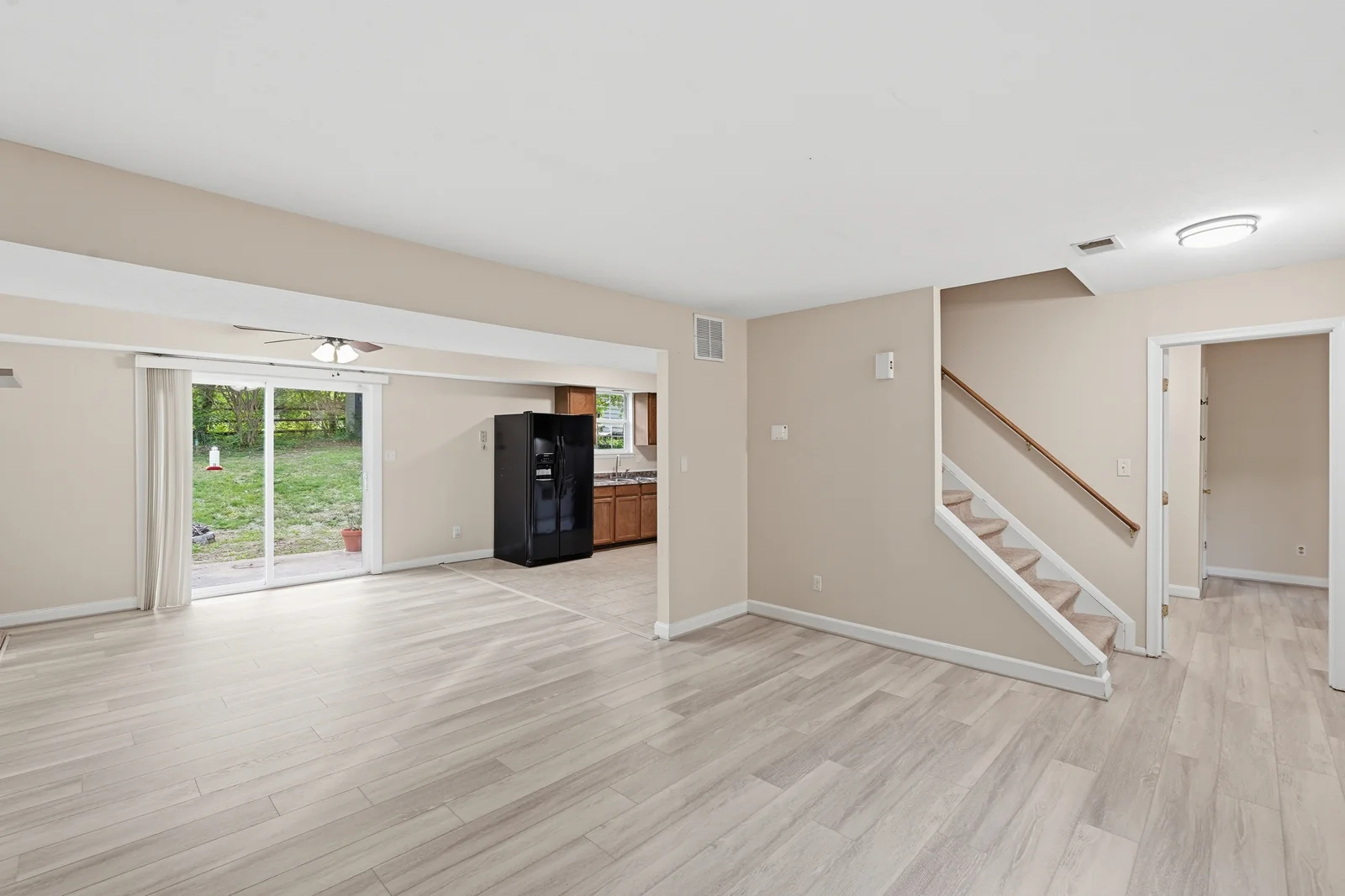
Empty rooms get tasteful neutral furniture sized to the actual space. Lighting and shadows match no other features touched.
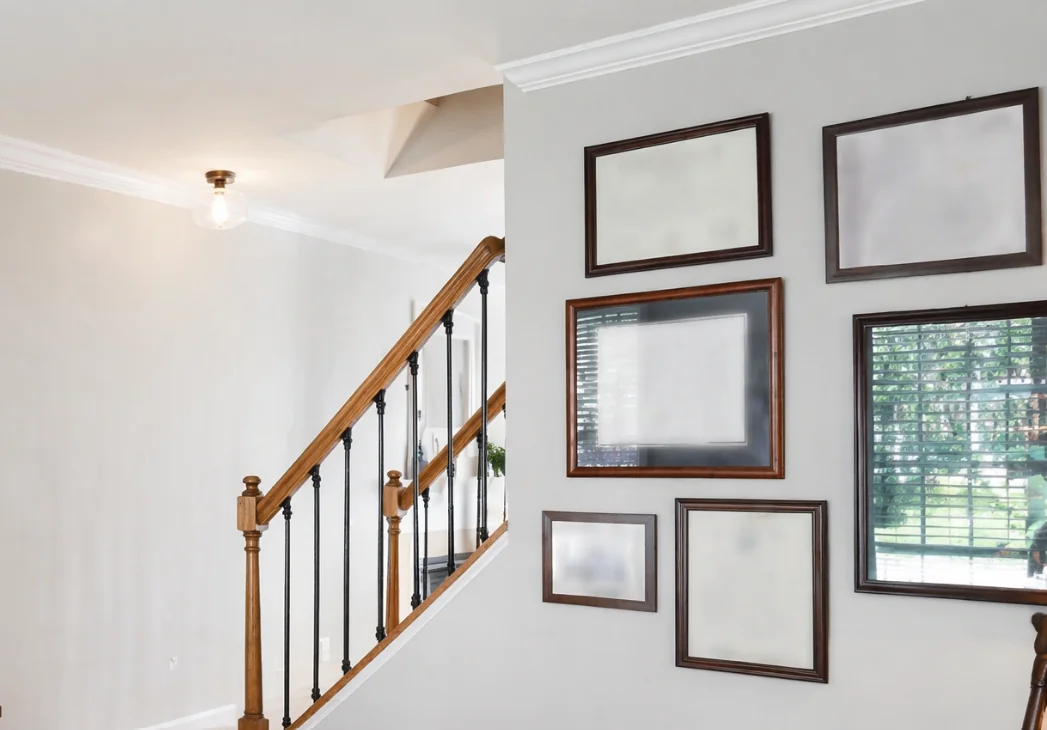 OffBlurred
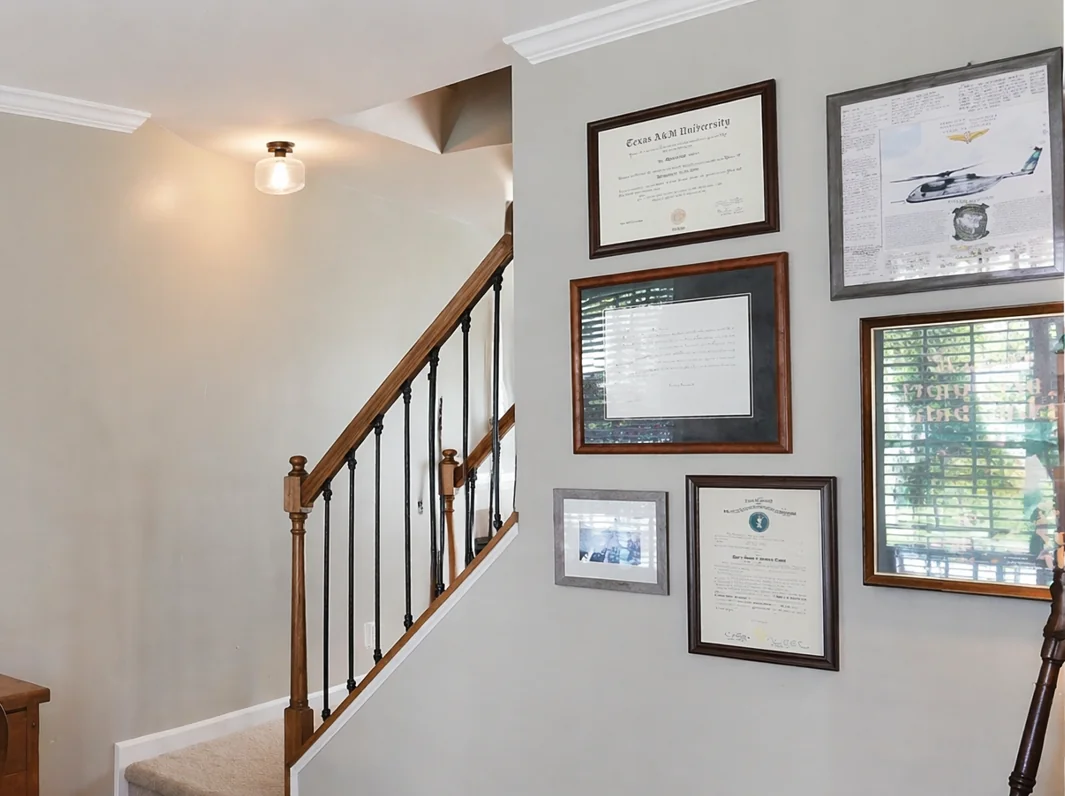
Faces, framed family photos, diplomas, screens, mail softly blurred. Everything else stays tack-sharp.
From the curb to the kerb. Sky replacement, perspective straightening, grass greening, clutter cleanup, sign removal, privacy blur and the showstopper, Virtual Twilight.
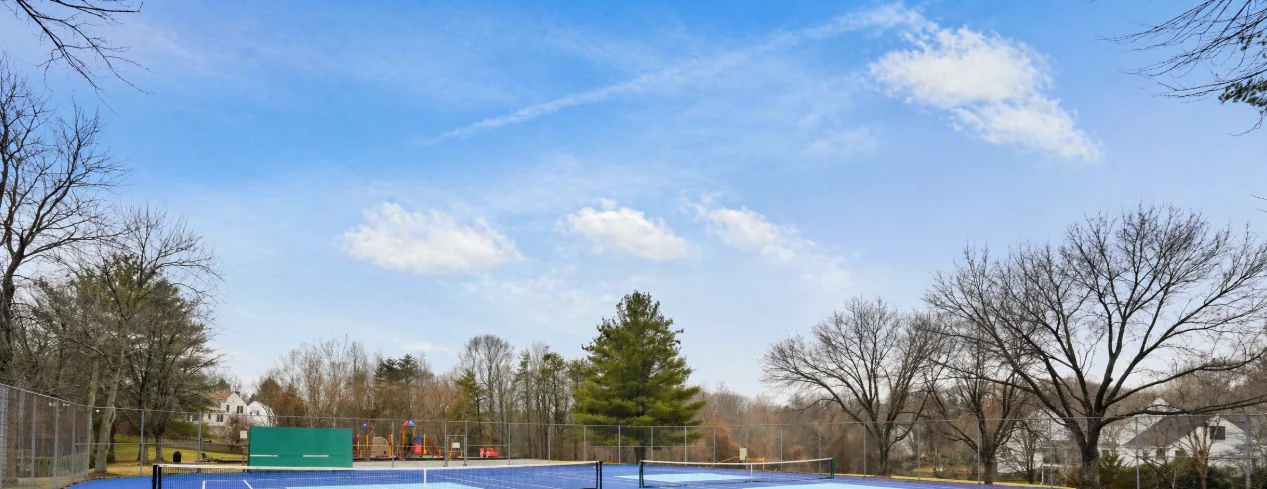 Few CloudsNo Clouds
Three styles Few Clouds, No Clouds, Wispy. Tone-matched to the building so it never looks composited.
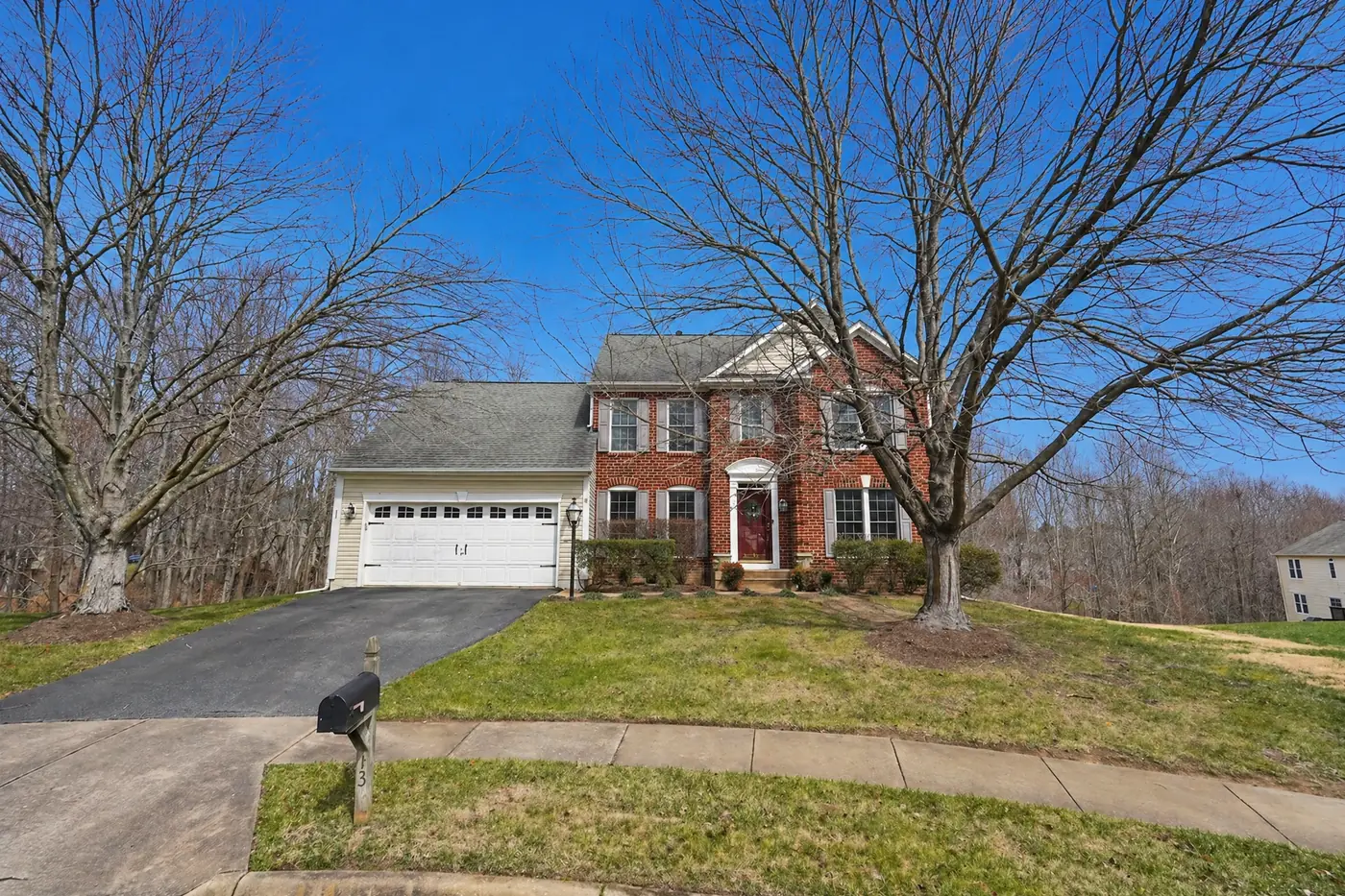
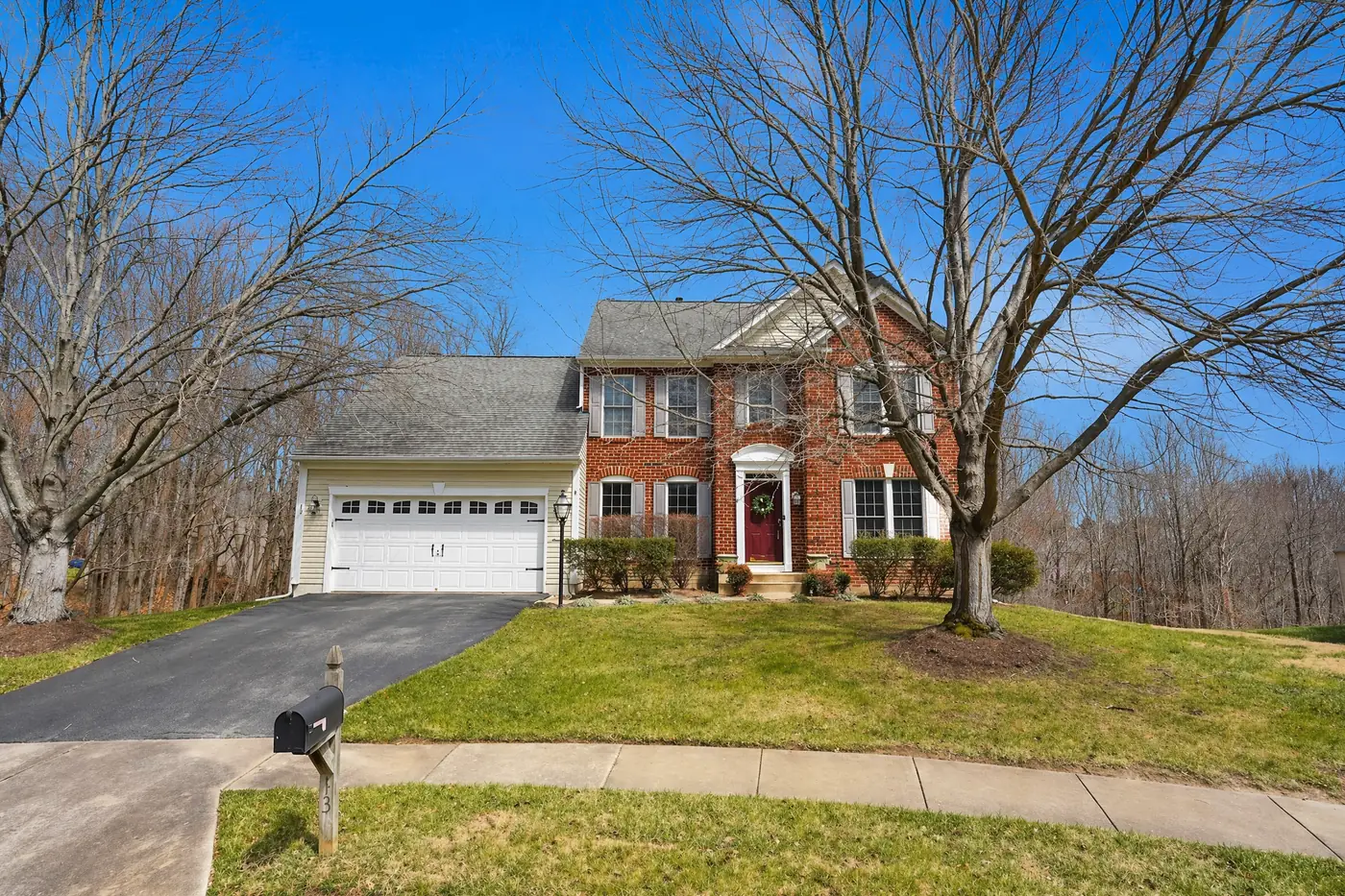 OffOn
OffOn
Buildings stop fanning outward. Tighter architectural framing like it was shot on a tilt-shift, not handheld.
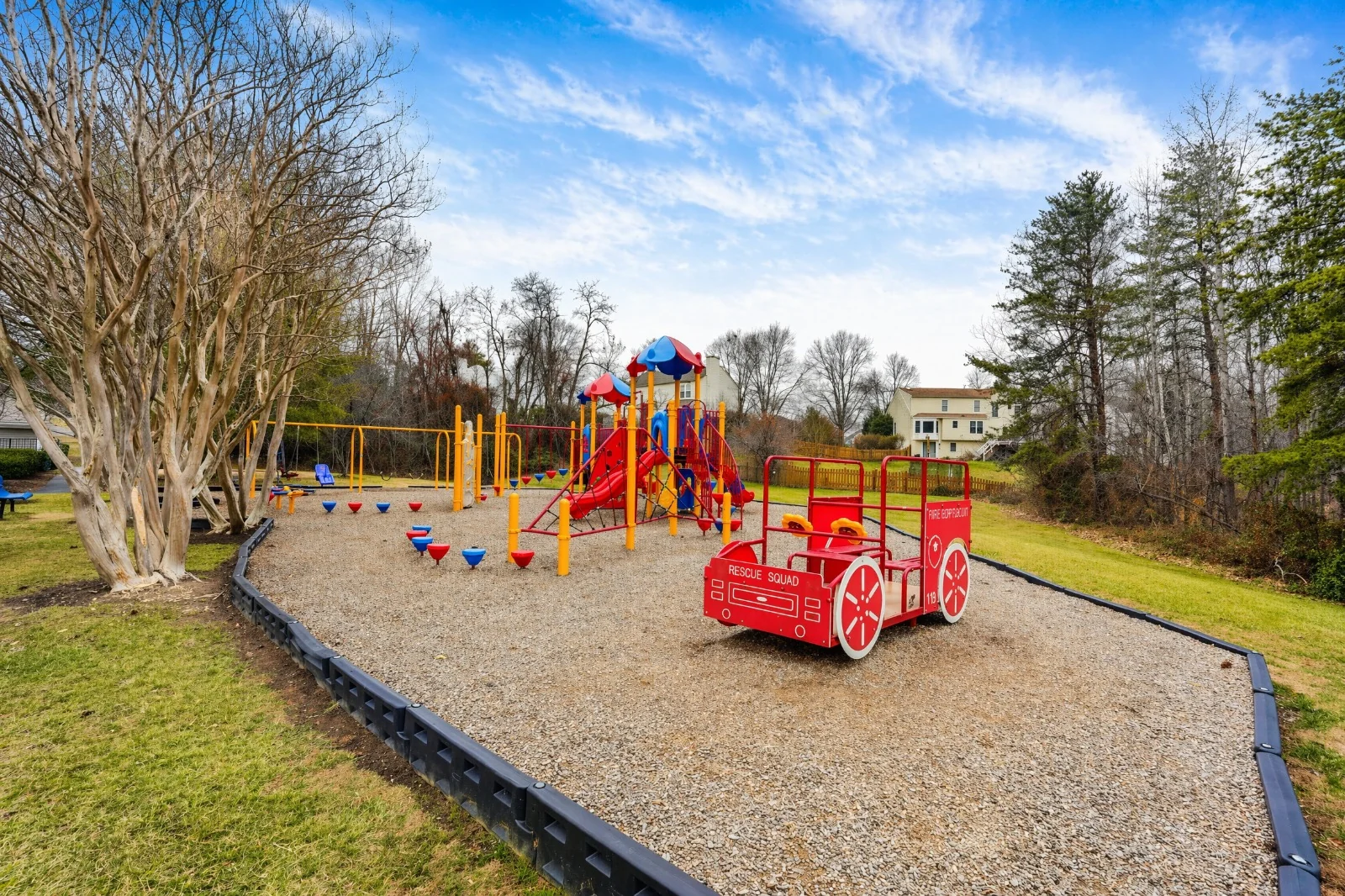 OffOn
OffOn
Yellow patches, dormant lawns, mid-summer dryness gently revived to a healthy realistic green. Boundaries unchanged.
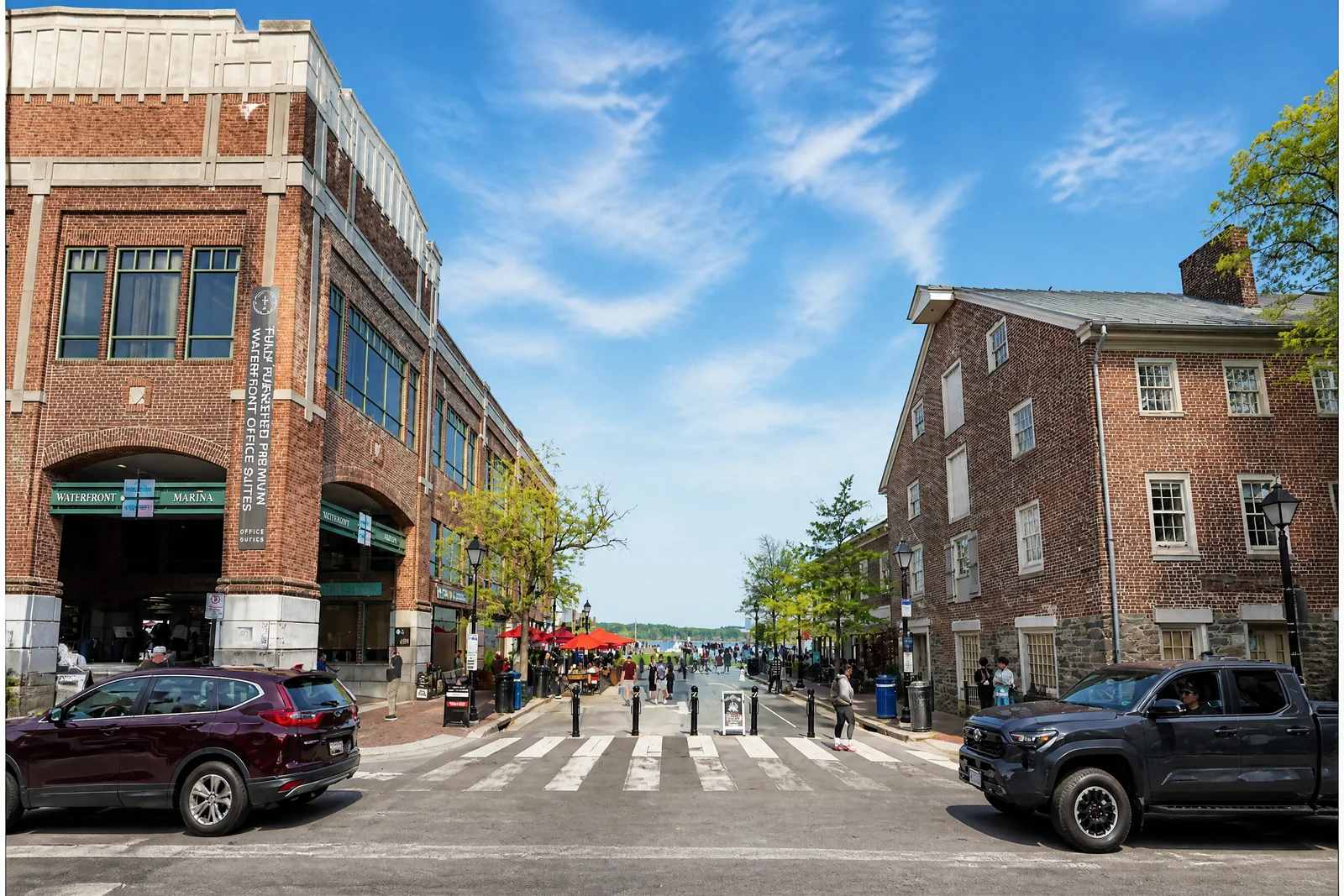
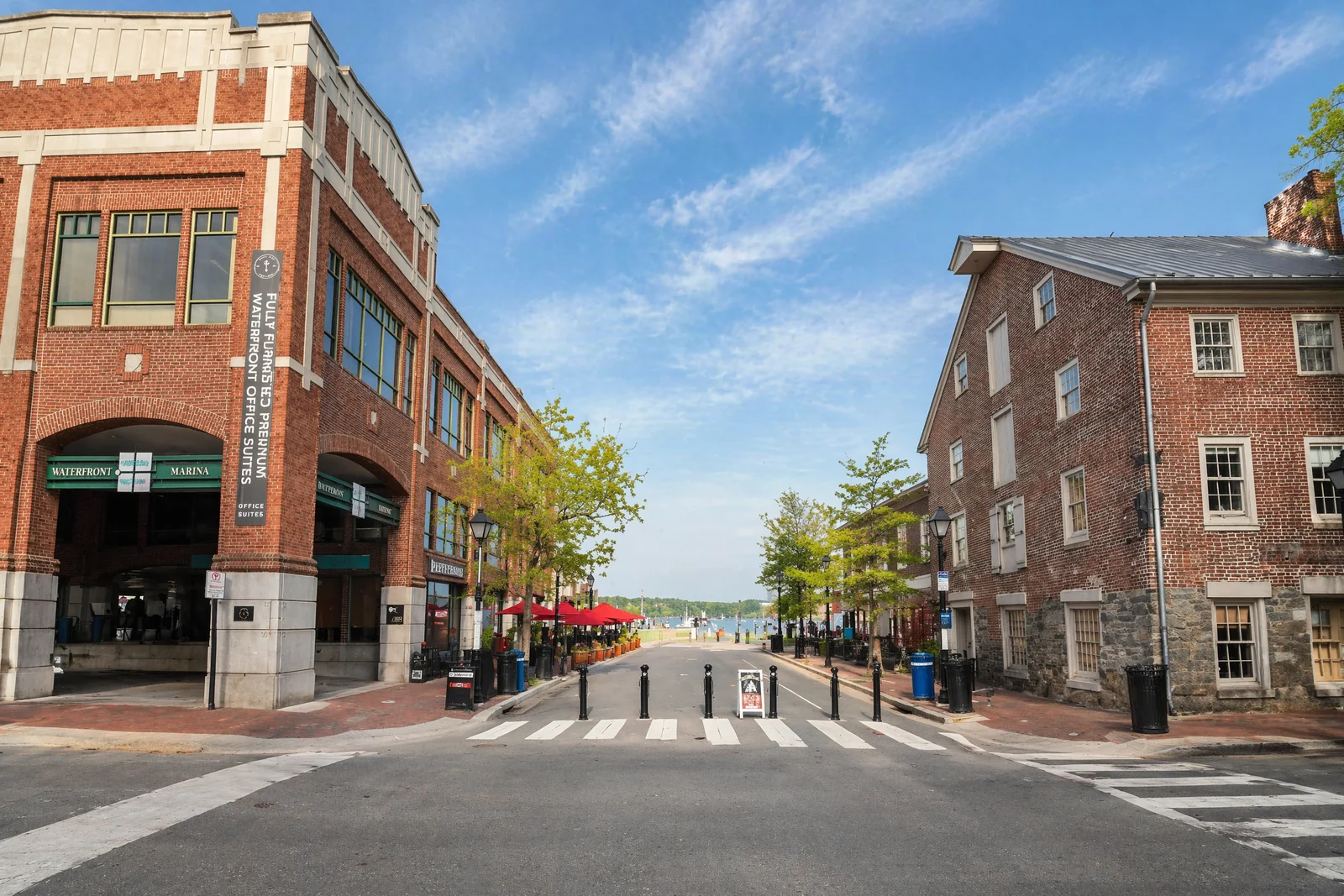 OffOn
OffOn
Trash bags, litter, incidental people. Strict allowlist your hoses, mailboxes, and toys stay.
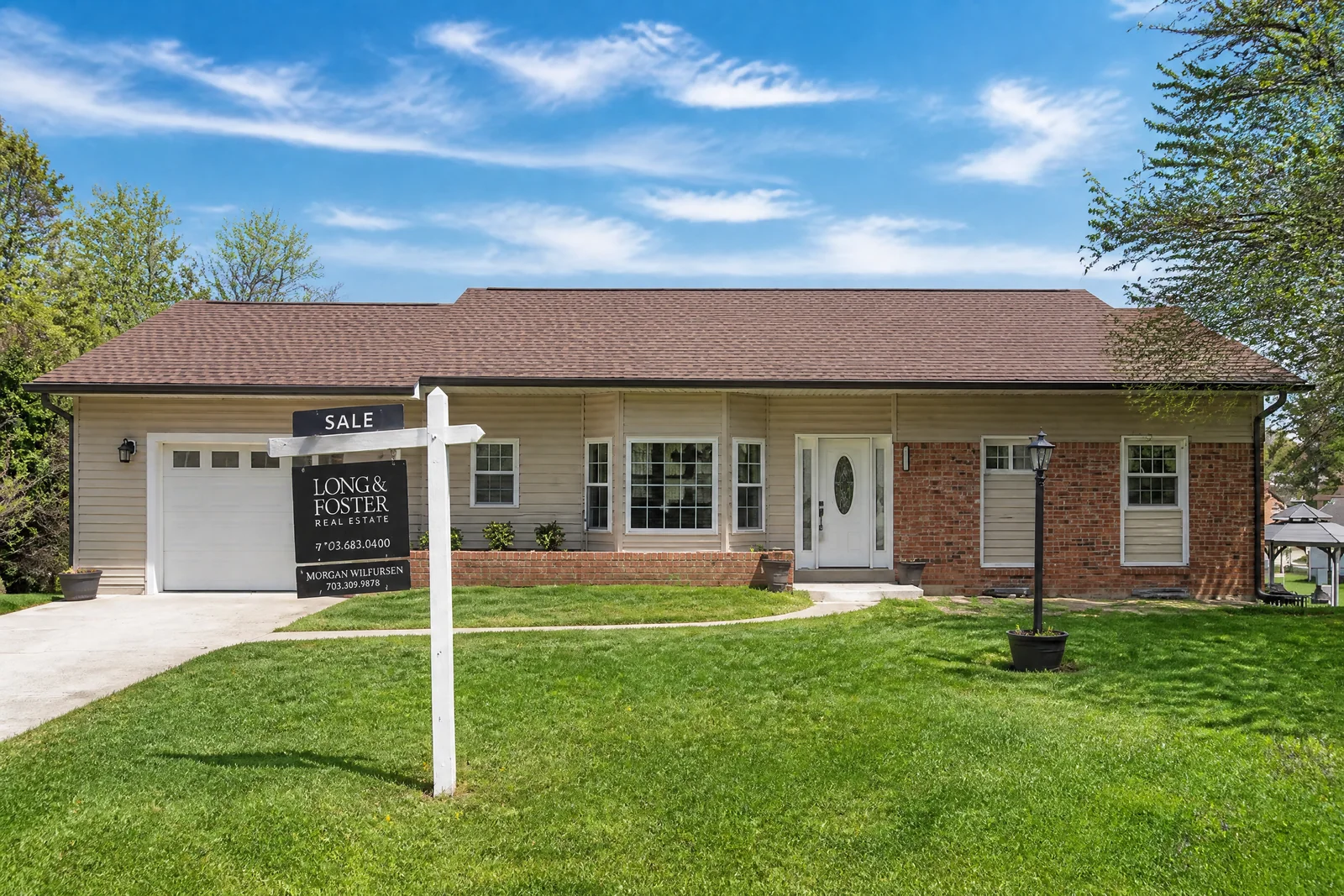
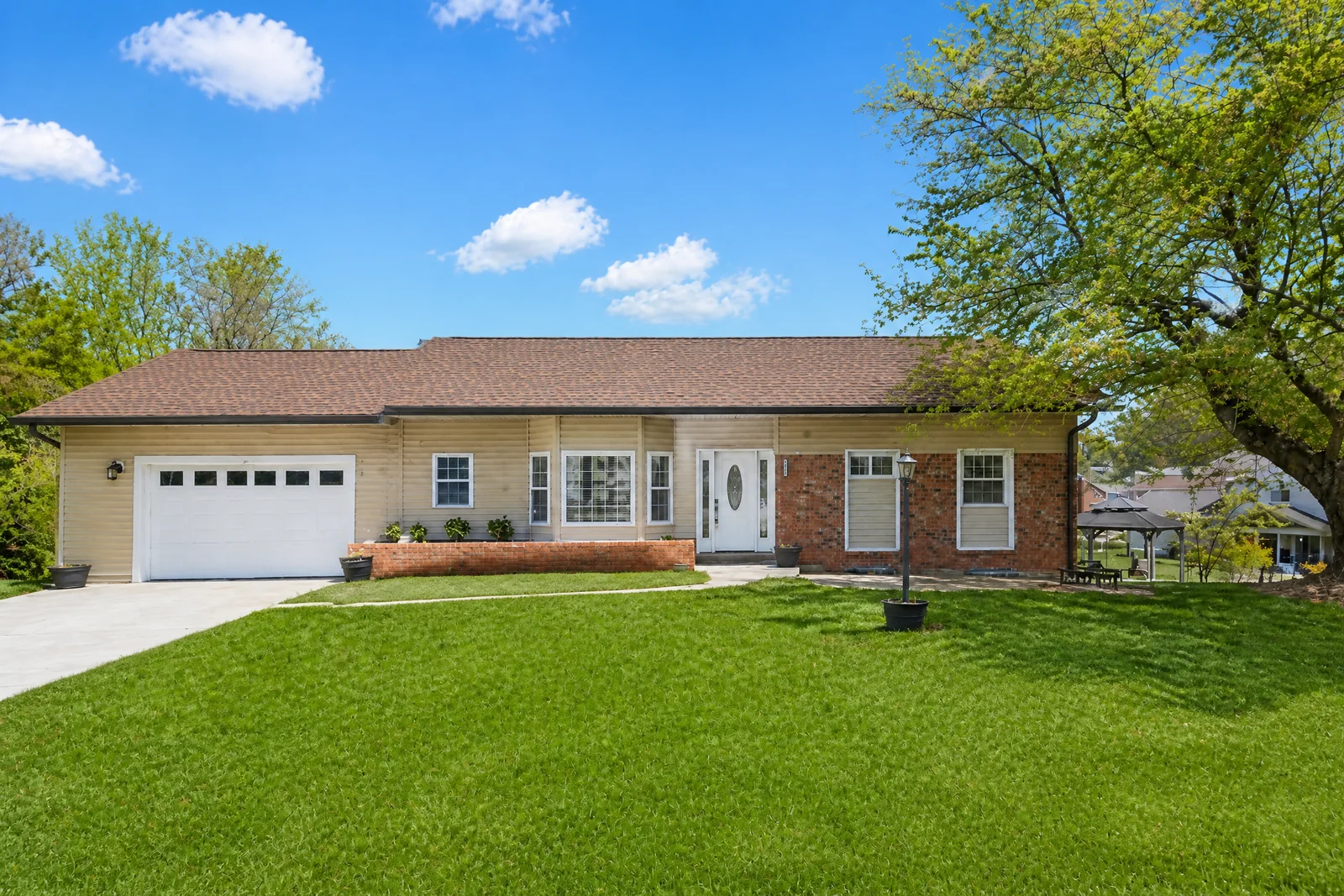 OffOn
OffOn
For Sale, Open House, Sold, Coming Soon entire sign assemblies removed and the lawn / pavement seamlessly reconstructed.
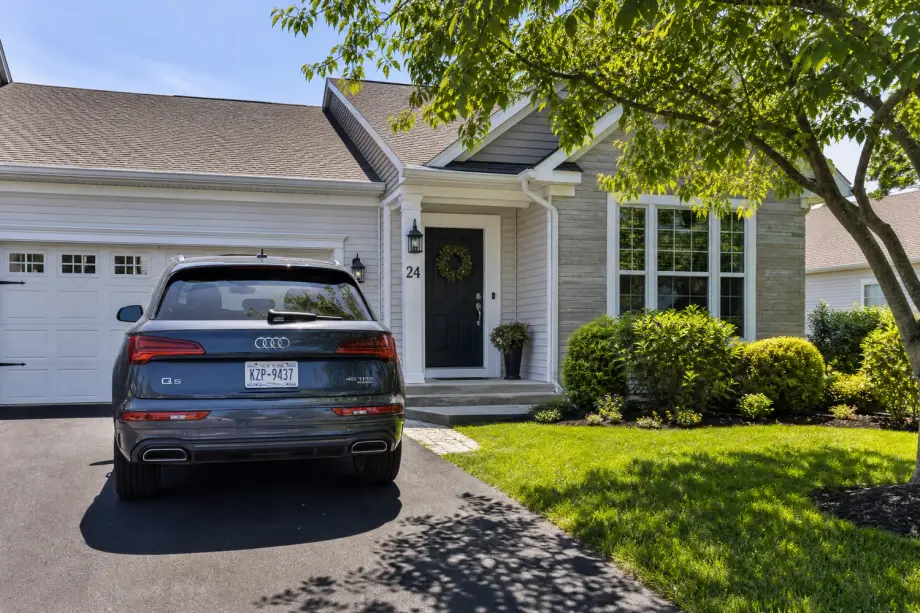
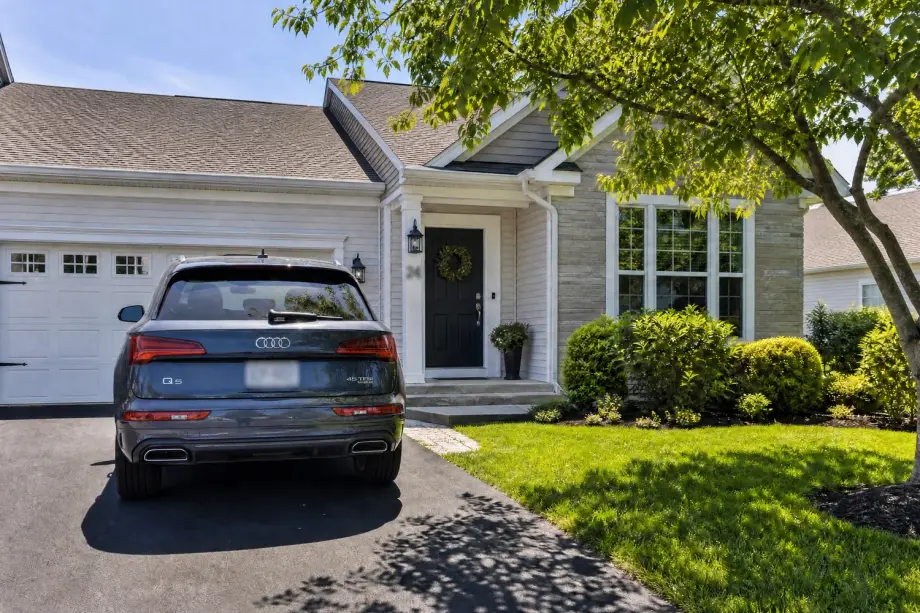 OffBlurred
Faces, license plates, mail with addresses, screens through windows. Public business signs stay readable.
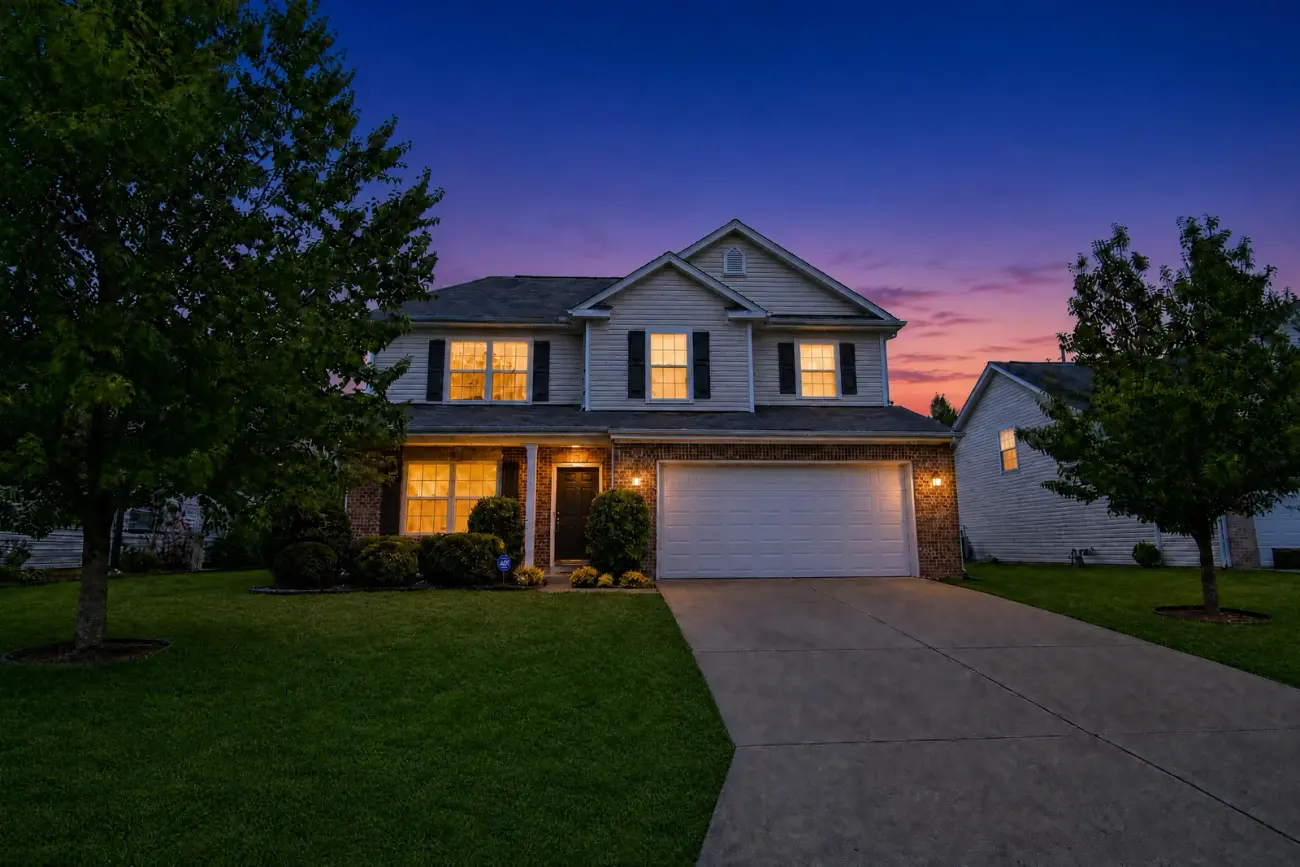
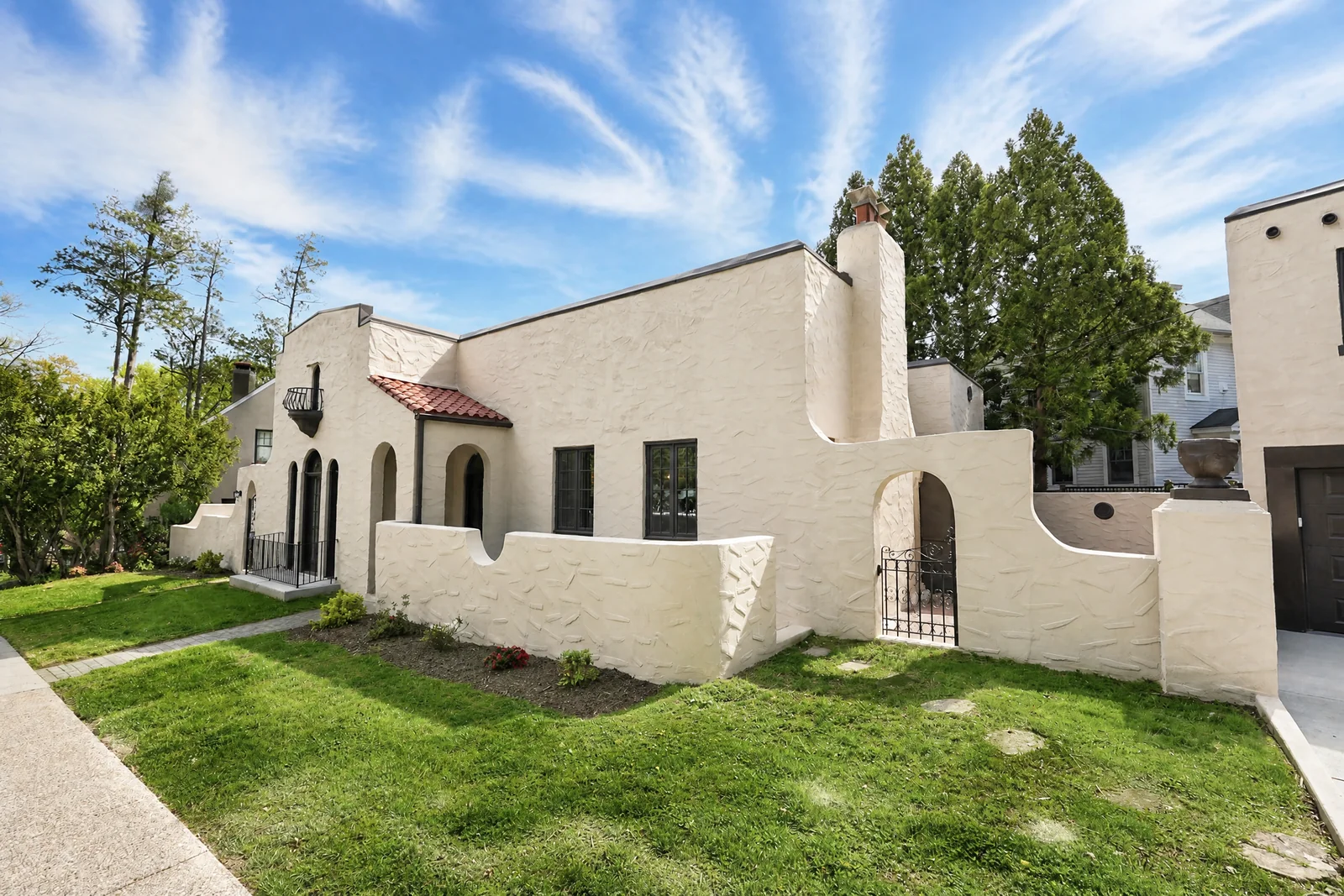 DayVirtual Twilight
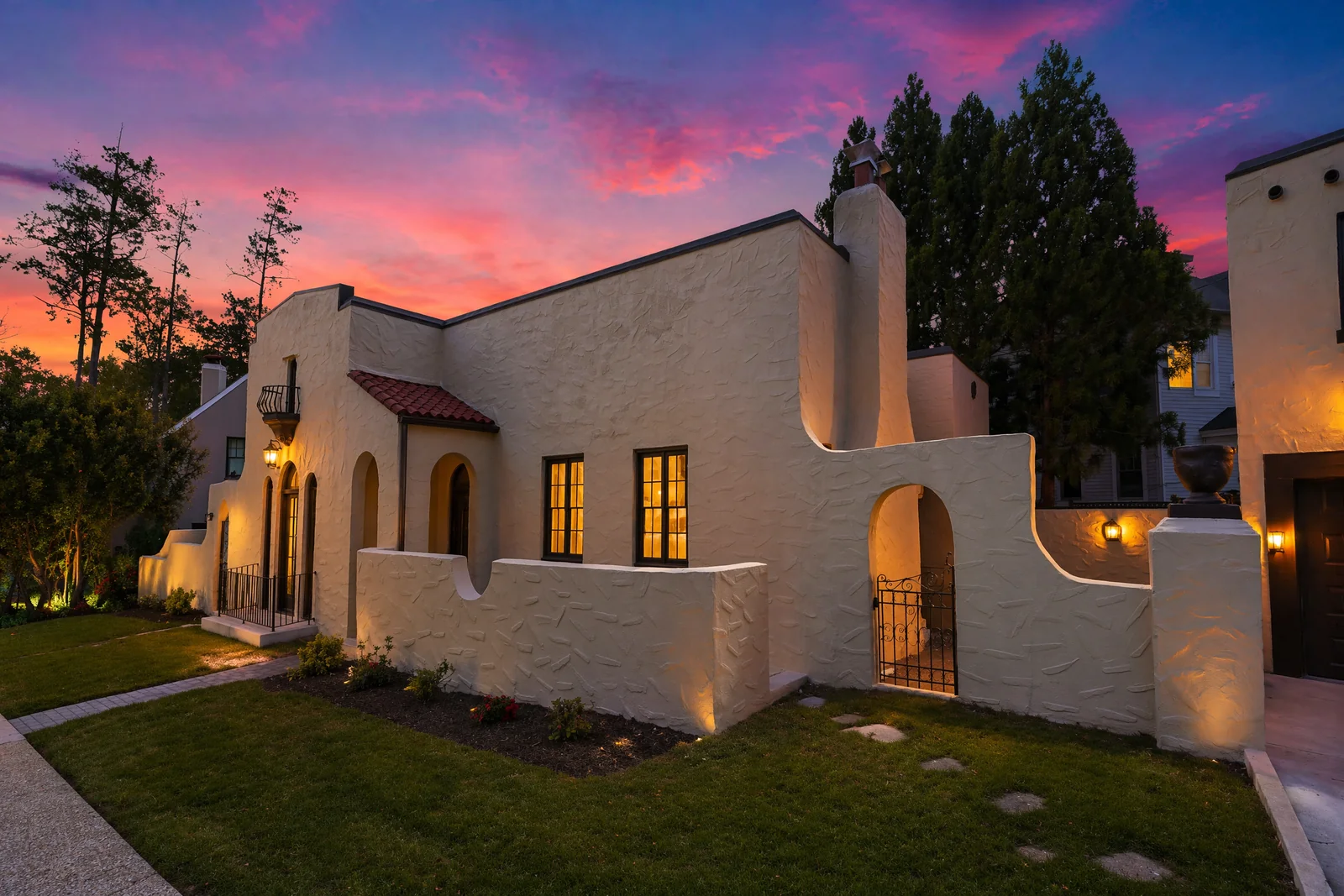
Daytime shot becomes a polished blue-hour render dusk sky, warm window glows, lit fixtures. See it bigger →
Watch a single raw shot become a market-ready listing photo, one feature at a time.
The single most-asked-for real estate edit, automated. Drop a midday exterior, get a polished blue-hour render with warm window glows, lit fixtures, and a believable dusk sky.
Source
Virtual Twilight
Every render goes into a Library project. Click Edit on any image to fine-tune its features individually and roll back to any earlier version, instantly.
Each photo remembers the section it came from, so the right adjustment panel opens every time.
Want Virtual Twilight on this exterior but not the others? Flip it on, hit Apply, re-renders in seconds.
Every Apply saves a new version. Compare and revert to v1, v2 or v3 nothing is ever lost.
Blur faces in one shot, remove a realtor sign in another, leave the rest of the shoot untouched.
Drop your shoot. Toggle the features you want. Download market-ready photos.
Each section has the features tuned for that environment interior shots and exterior shots get different prompts.
EXIF auto-sorts your brackets into HDR groups. Toggle Virtual Twilight, Sky, Staging, Clutter whatever the shoot needs.
Bulk download as ZIP, or open any photo in the Edit page to fine-tune individual features with full history.
A 25-photo shoot in minutes instead of days, with consistency across every image.
Everything you might wonder about how Snapflys handles your photos.
No. We enforce a strict Object Integrity rule across every render nothing gets added, removed, reshaped, or restyled outside the specific feature you toggled on. A wood deck stays wood. A tree keeps its exact silhouette. Only Virtual Staging is allowed to add furniture, and only in empty rooms.
Text Preservation is a top-priority rule every visible character must appear in the output identically to the source. The Blur Sensitive Info feature is the only exception, and it only blurs the regions you ask for (faces, plates, mail, screens) while keeping everything else sharp.
You pick Inside House or Outside House at upload. Each section has features specific to that environment interior shots get TV cleanup, fireplace, mirror handling, virtual staging. Exterior shots get sky replacement, Virtual Twilight, grass, clutter and realtor sign removal. Each photo remembers which section it came from, so the Edit page shows the right options later.
Yes. Every Apply Changes in the Edit page saves a new version, and the History panel lets you flip back to any earlier render with one click. Nothing is ever overwritten your v1 stays available even after you've made v2, v3, v4.
JPG, PNG, WebP, and camera RAW files (CR2, NEF, ARW, DNG, RW2 and many more). Upload your exposure brackets straight from the camera; there is no need to convert them first. EXIF timestamps are read for auto-grouping, so don't strip them when exporting.
Each project stays in your Library for 20 days, then auto-deletes. Download what you want to keep before then bulk ZIP download is one click from any project view.
Yes every feature is available on every plan, including the free tier. Plans differ only by the number of HDR images per month: Free includes 5, Starter 150, Pro 500, Business 1000, Agency 2000, Enterprise 5000.
Real estate professionals, media agencies, and brokerages trust Snapflys for their daily shoots.






Free to start 5 HDRs included. Pick Inside or Outside, drop your brackets, toggle the features you want, download print-ready photos in minutes.